-
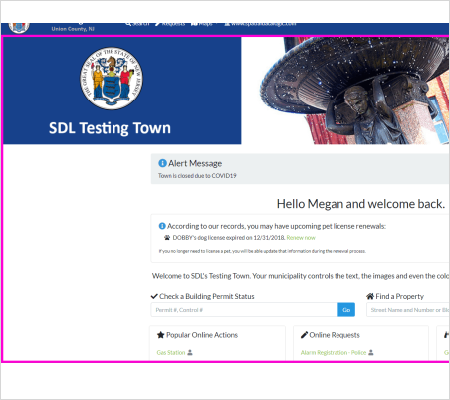
First start on the home page of your town's SDL Portal.
-
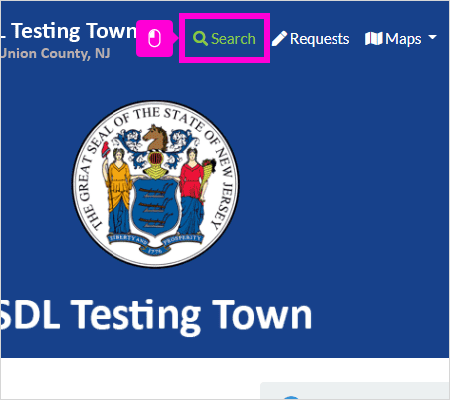
Click Search
-
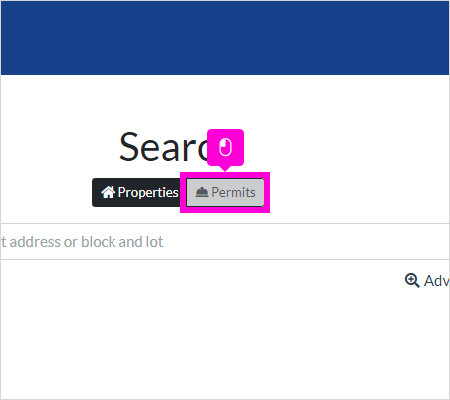
Click Permits
-
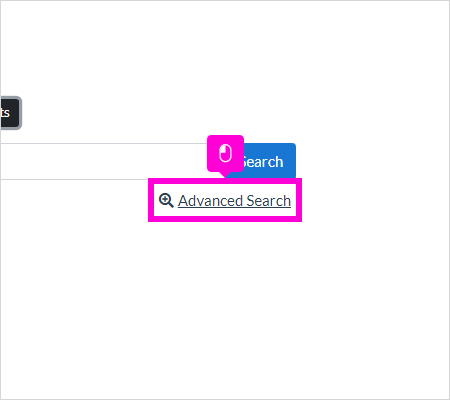
Click Advanced Search
-
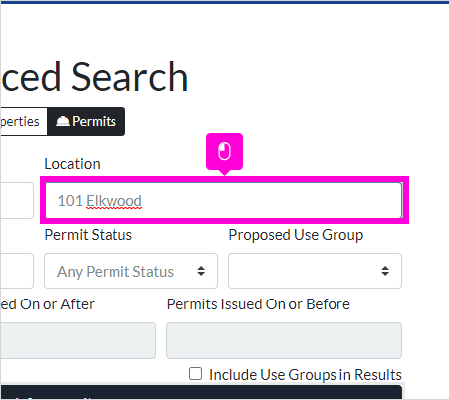
You can use any of the fields provided to perform an advanced search for Building permits. To search for all permits at an address, enter the address into the Location field. Leave off the street suffix (Ave, St, Rd, etc).
-
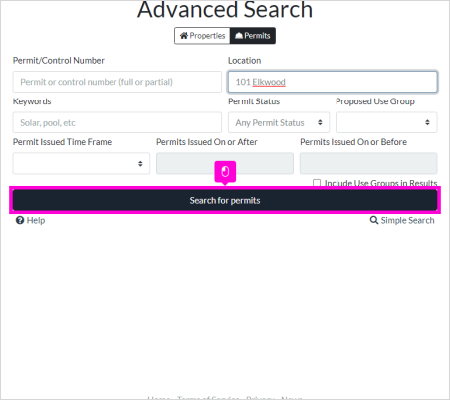
Click Search for permits
-
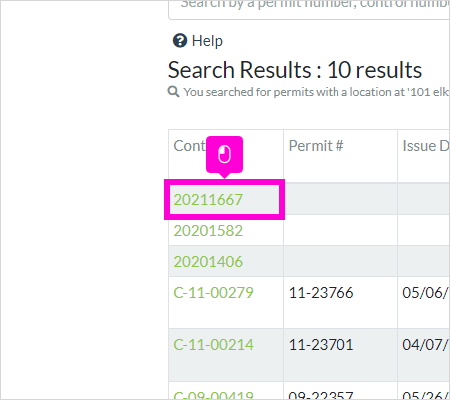
From here, you can click and of the control numbers to get more information on that permit.
-
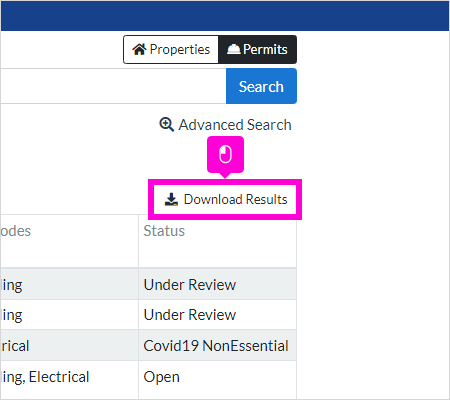
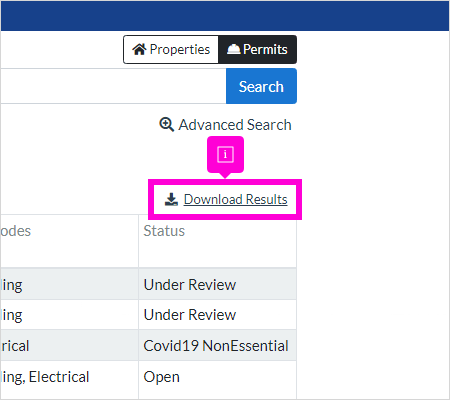
You can also click Download Results to download this list.
-
Please note that towns have different levels of access when it comes to permit records, visible property data and the ability to download search results. Your capabilities may vary across municipalities.
English
![SDL - 2025 New Logo.png]](https://help.getsdl.com/hs-fs/hubfs/SDL%20-%202025%20New%20Logo.png?height=40&name=SDL%20-%202025%20New%20Logo.png)