![SDL - 2025 New Logo.png]](https://help.getsdl.com/hs-fs/hubfs/SDL%20-%202025%20New%20Logo.png?height=40&name=SDL%20-%202025%20New%20Logo.png)
SDL Online - Construction - Inspection Calendar for Shared Services
For towns with shared services for the Construction department, SDL Online's calendar inspection view enables users to easily view inspections in all shared service towns at once.
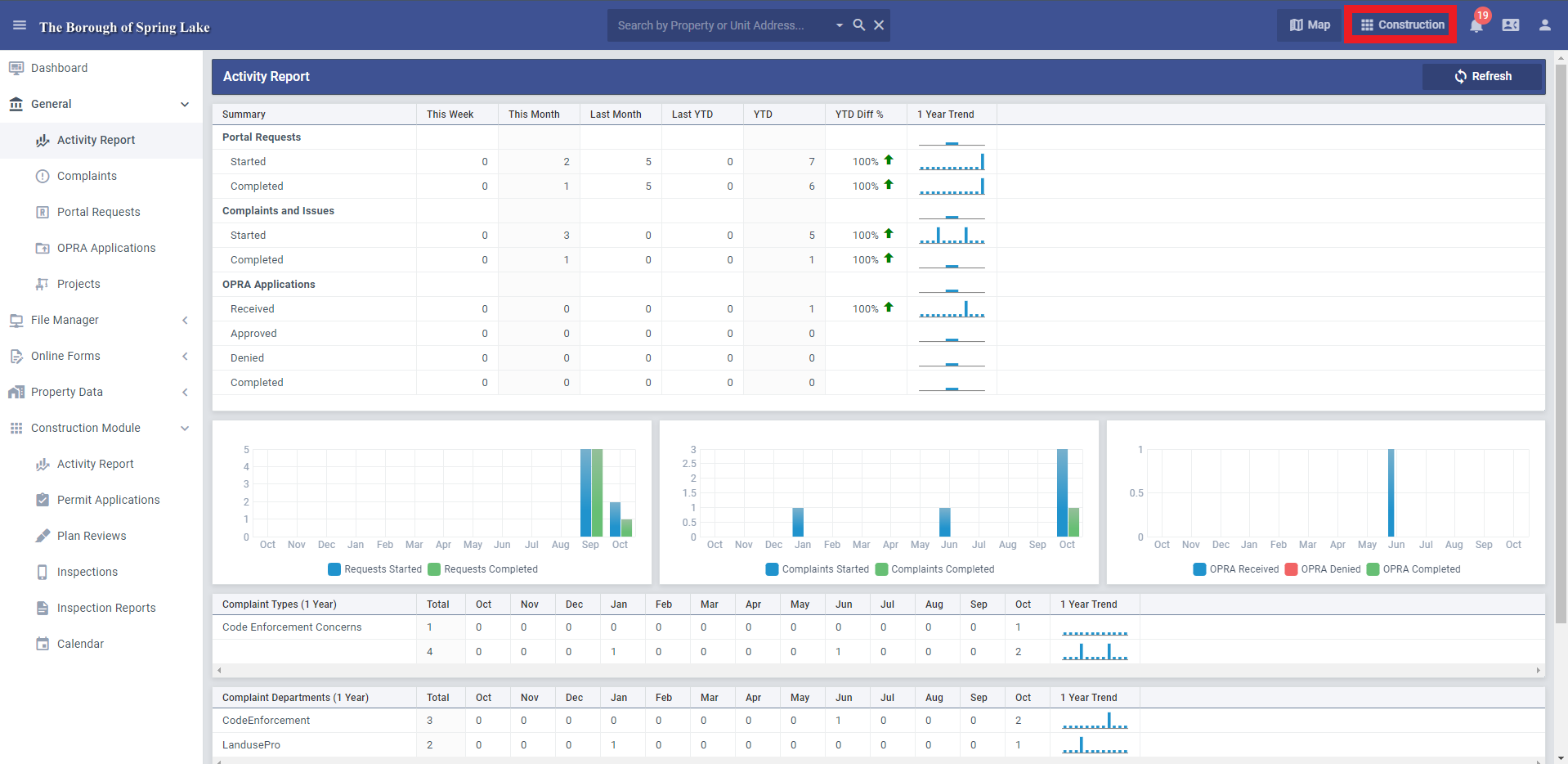
First, log into SDL Online and make sure you are in the Construction module.
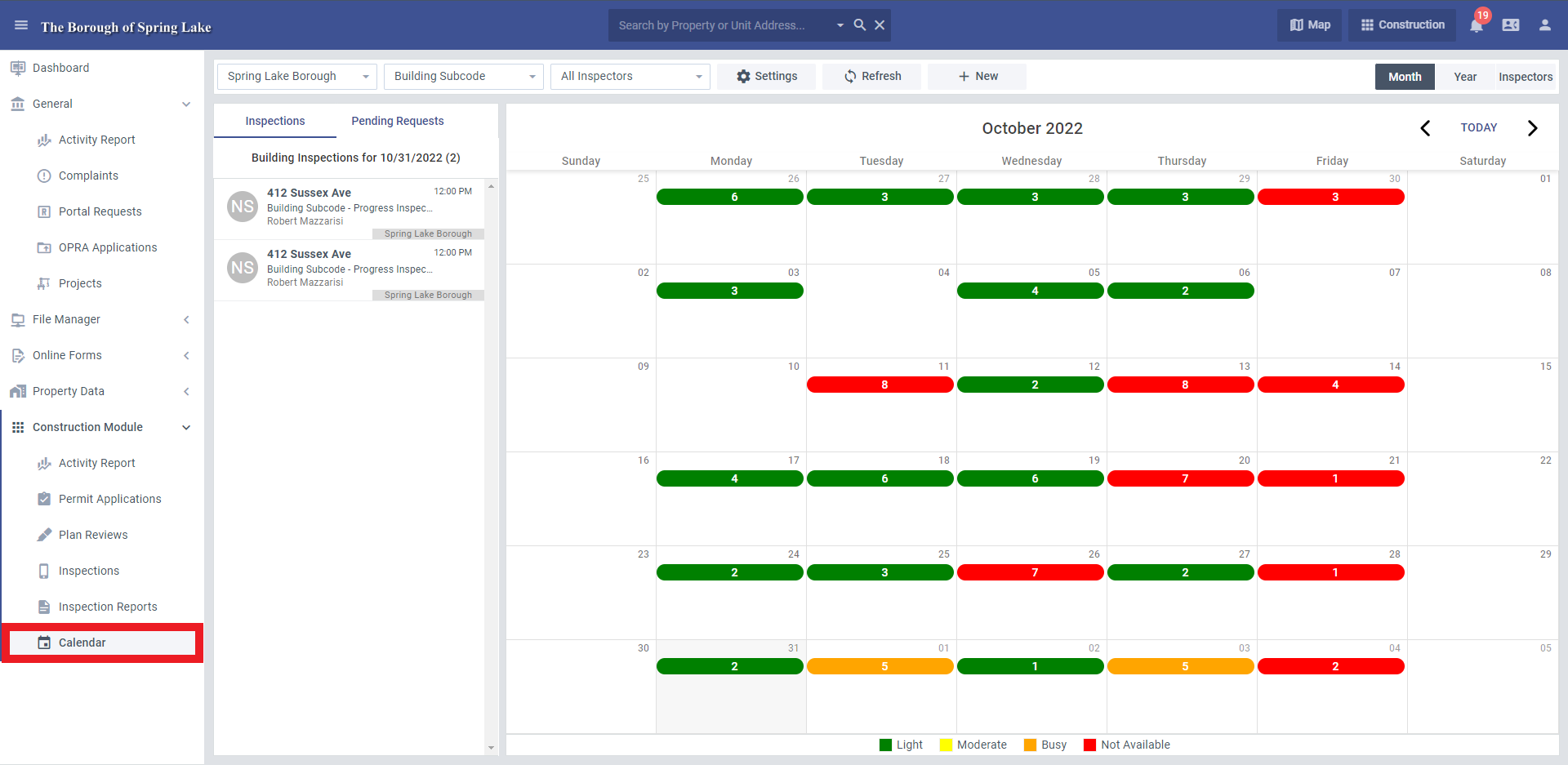
Navigate to the Calendar view, under the Construction Module menu.
The top of the screen contains several dropdown menus. The subcode and inspector dropdown menus will be available for all Construction departments. The municipal dropdown menu will only be available for towns with two or more construction departments under a shared service.
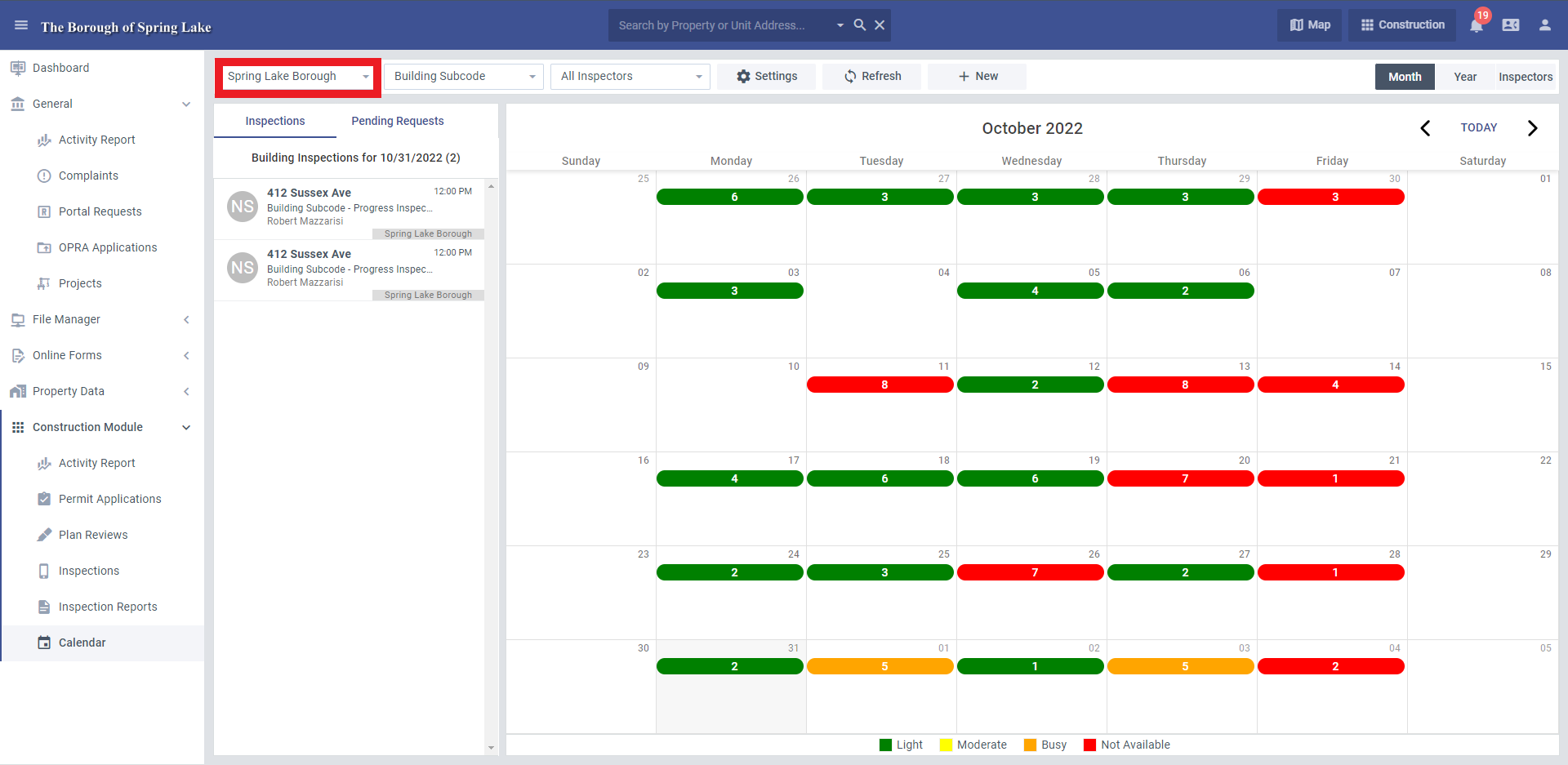
By using this dropdown menu, users will be able to view the inspections for any of their shared service towns, or will be able to select "All Towns" to view inspections scheduled in every municipality they cover.
-png.png?width=1919&height=939&name=mceclip0%20(4)-png.png)
Users will still be able to utilize the "All Subcodes" and "All Inspectors" dropdown options when in the "All Towns" view.
The numbers in the calendar indicate how many inspections are scheduled. Clicking on any of those inspection numbers will display that day's inspections in the left column. Clicking on the inspection from that left column will open up that inspection.
-png.png?width=1919&height=938&name=mceclip2%20(2)-png.png)
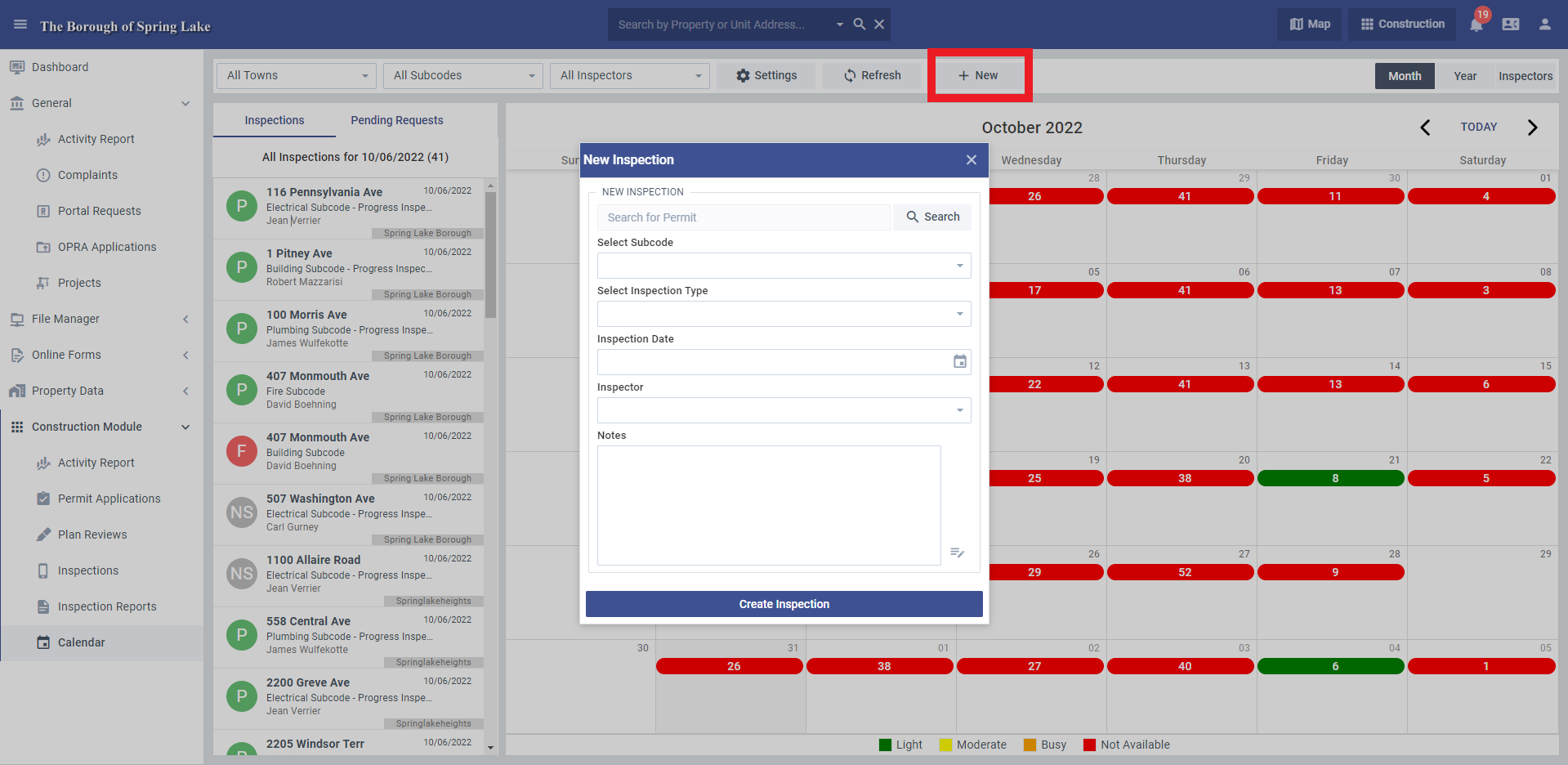
You can use the "New" button at the top to create a new inspection, but please note you will only be able to create an inspection for the town you are currently logged in under.