![SDL - 2025 New Logo.png]](https://help.getsdl.com/hs-fs/hubfs/SDL%20-%202025%20New%20Logo.png?height=40&name=SDL%20-%202025%20New%20Logo.png)
SDL Desktop Update 24.3.1 - Fire Prevention - LHU State Rebate Payment Tracking
In the past, many SDL users have used different methods of tracking quarterly rebate checks for LHUs. Previous solutions have included logging the amount as a counter payment, or creating invoices on the unit with the portion of payment.
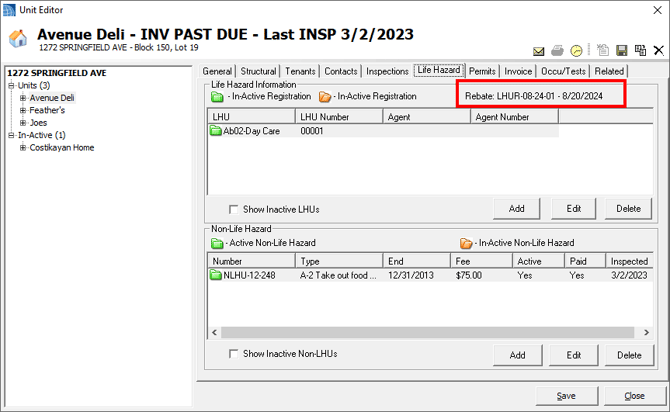
To help streamline this process, this update included an option to log rebate payments by creating a unique counter payment to log the entire check. A new form will then allow you to associate which units this payment is applied to. The date of this payment will then appear as the last payment date on the unit's LHU tab.
Future updates will also provide this information on the Units Datagrid. You will need new datagrids turned on to use this; please reach out to our technical support team to assist with enabling these datagrids.
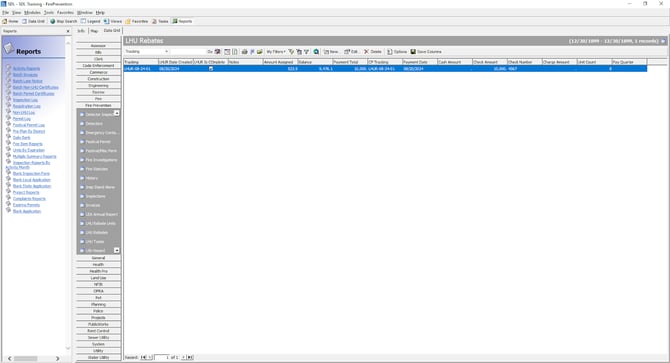
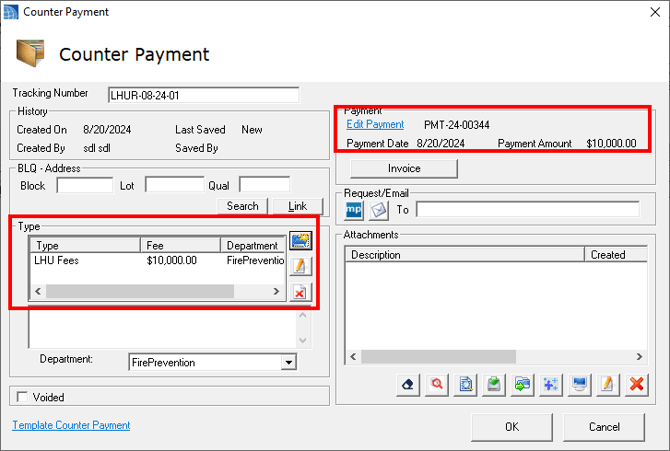
After clicking New, to create a new rebate payment record, Add/Edit the Payment information here:
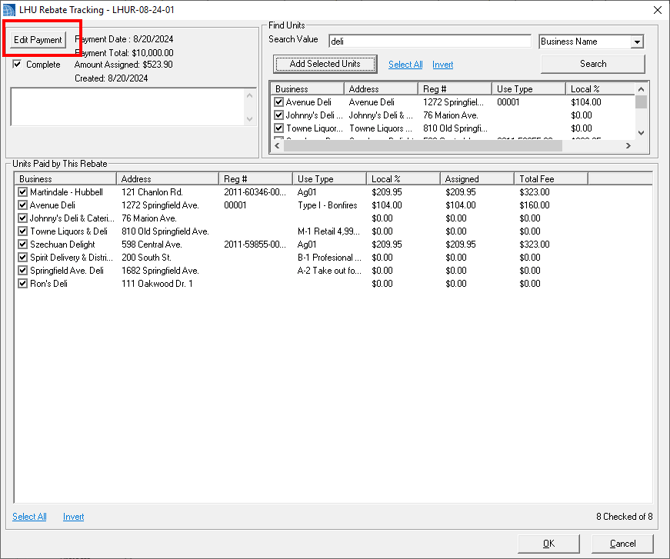
Add a multi fee with the amount of the check, then add a payment:
Once a payment is logged, search and add the units that were paid this quarter:
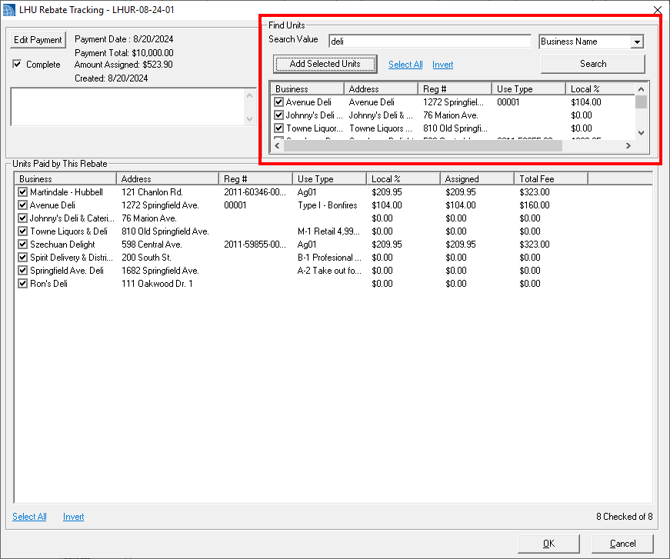
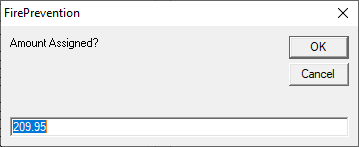
Total amount assigned will fill in as you add the units. If you need to modify the amount assigned, double click the unit you want to change. To modify the amount owed, double click the unit and hold shift:
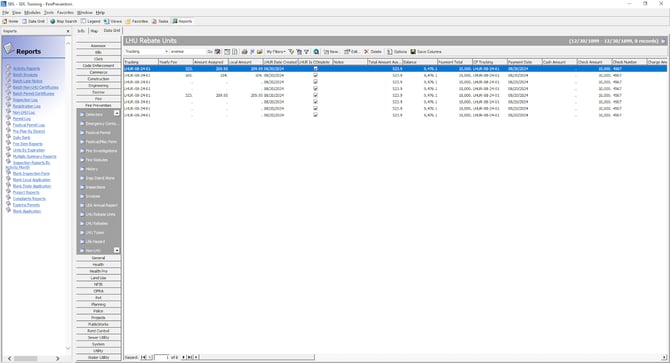
The latest rebate will then show on the LHU tab. Future updates are planned to provide a list of all rebates this unit is on. Currently you can use the LHU Rebate Units DGC.