![SDL - 2025 New Logo.png]](https://help.getsdl.com/hs-fs/hubfs/SDL%20-%202025%20New%20Logo.png?height=40&name=SDL%20-%202025%20New%20Logo.png)
SDL Desktop Update 24.3.1 - Fire Prevention - Detector Inspection Request Payment Request
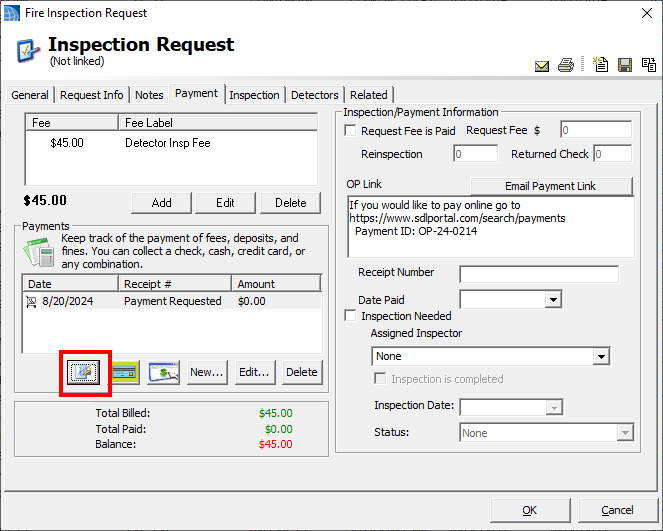
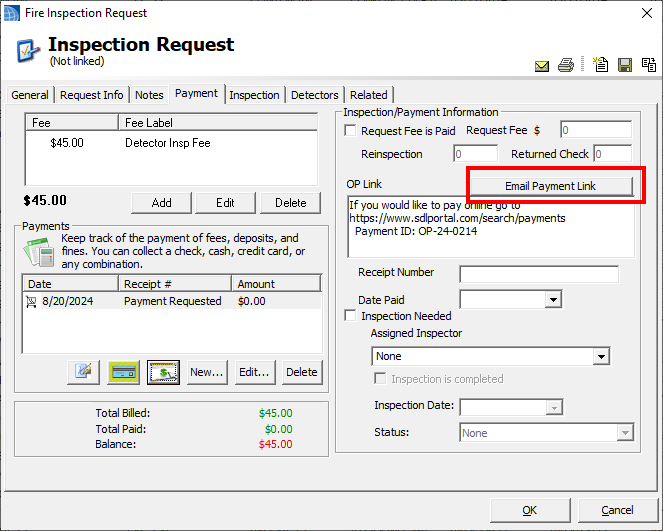
Within the original payment workflow, sending online payment requests to multiple email addresses was not supported. By default, the payment request is only sent to the applicant's email. With this update, users can select a new button to send a payment link to all emails stored in the SDL Desktop record.
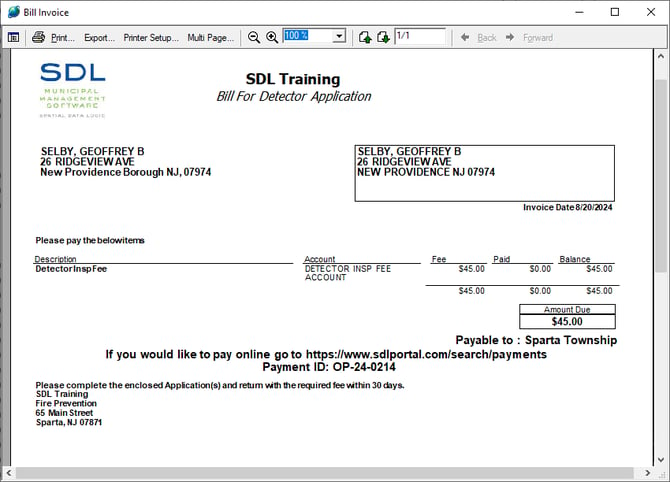
Users will still use the online payment request button to create the email request, as before, but a link will now be added to the record. Once generated, this link will be appended in the email body and on the invoice.
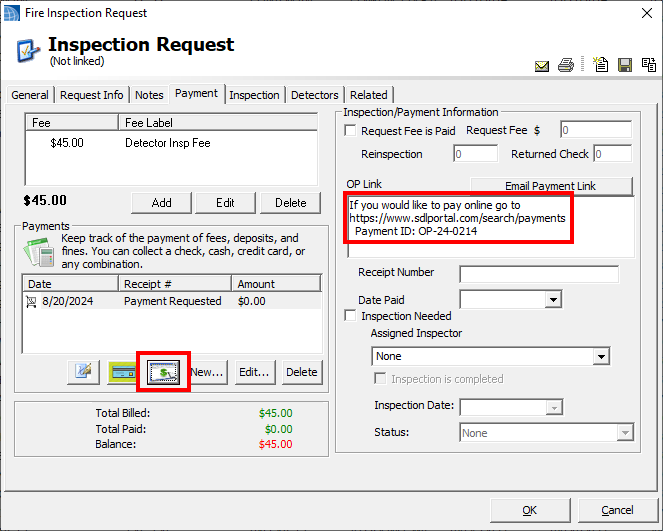
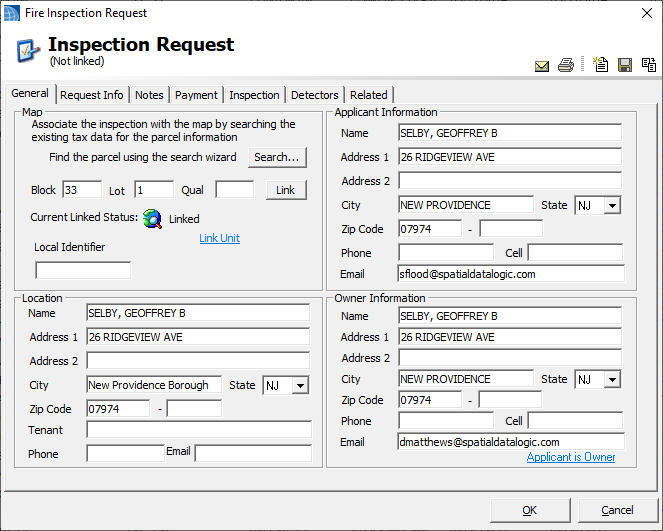
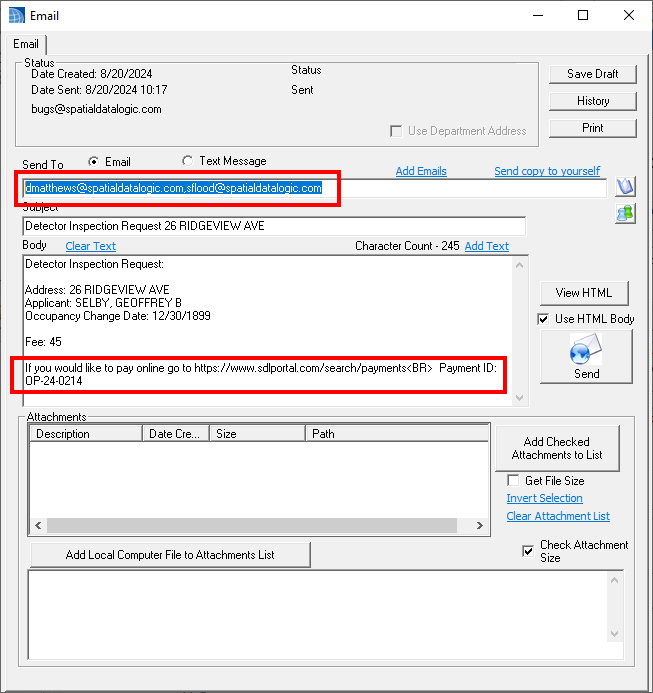
The new Email Payment Link button will open the desktop email form. It will add both the Owner and Applicant email addresses to the recipient field, and will populate the payment link in the body of the email.
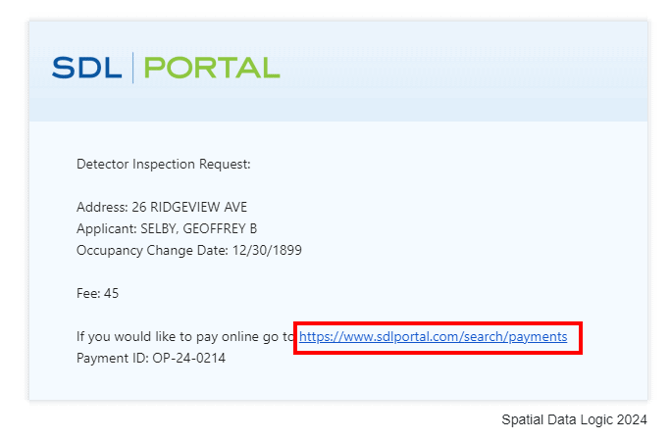
This link will take the recipient to the SDL Portal Payments page:
https://www.sdlportal.com/search/payments
-png.png?width=670&height=272&name=29649010366221%20(1)-png.png)
Please note the Bill Invoice Report will also have the Credit Card link: