![SDL - 2025 New Logo.png]](https://help.getsdl.com/hs-fs/hubfs/SDL%20-%202025%20New%20Logo.png?height=40&name=SDL%20-%202025%20New%20Logo.png)
Datagrid Settings
Last update provided a light load of DGCs, speeding up load times. Users could save each datagrid visible columns, widths and order. Several users found that the settings would randomly reset. Although we could not reproduce the issue we have added a way to export and import xml files to reset your saved settings. Once you have your settings, the Save Settings button will now prompt if you want to export the file. Save the file somewhere you can easily access. Any user can import this file to gain these settings. This can also be helpful for OPRA requests as you can quickly reset your settings to exclude Email, Phone numbers, owner names etc, that you would normally have access to but do not want to include in outgoing OPRA data
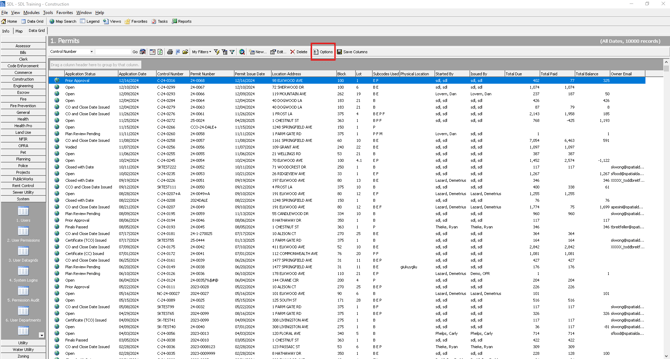
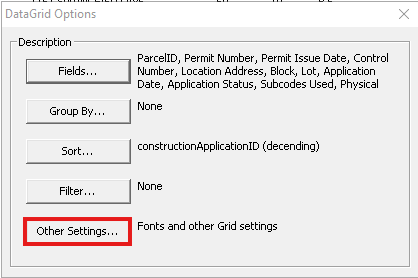
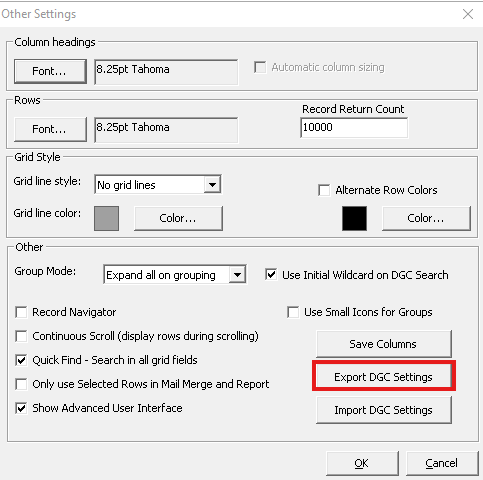
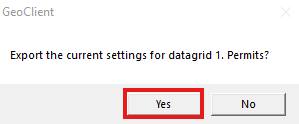
The file name will default to your user name and the datagrid name
Import
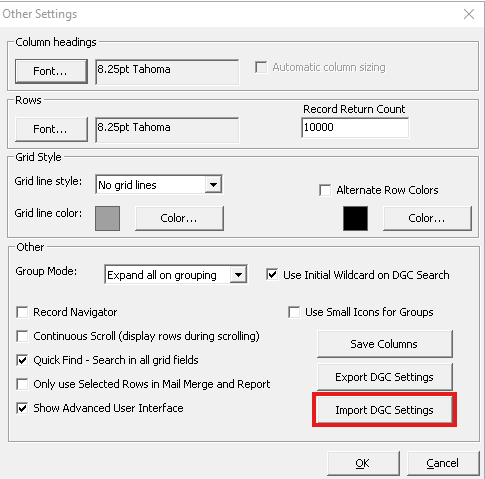
In "Other Settings" you also have a new options for "Import DGC Settings".