![SDL - 2025 New Logo.png]](https://help.getsdl.com/hs-fs/hubfs/SDL%20-%202025%20New%20Logo.png?height=40&name=SDL%20-%202025%20New%20Logo.png)
This guide shows you how to set a change of contractor fee. After enabling this field, your permit will prompt a fee when marked as ‘change of contractor’.
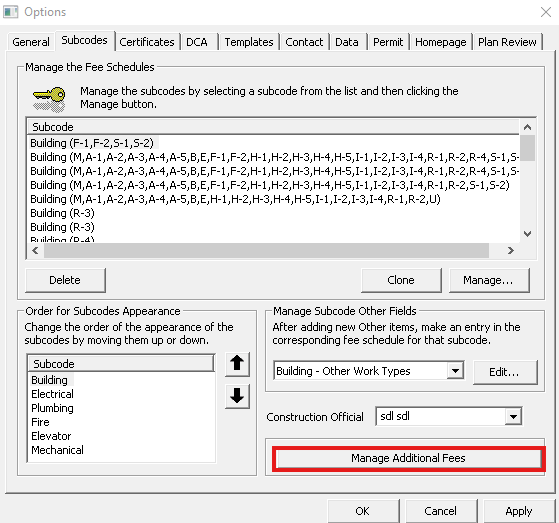
Go to Tools > Construction Options > Subcodes tab
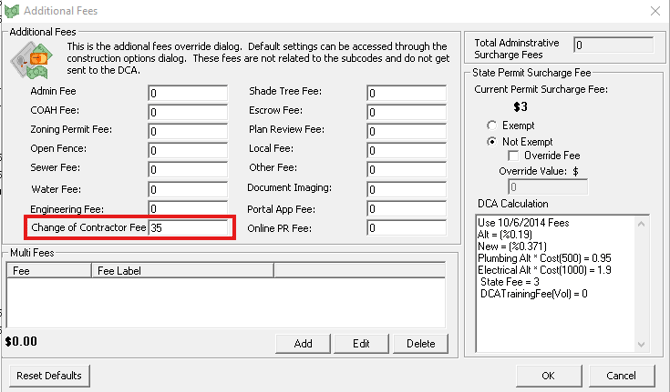
Click Manage Additional Fees.
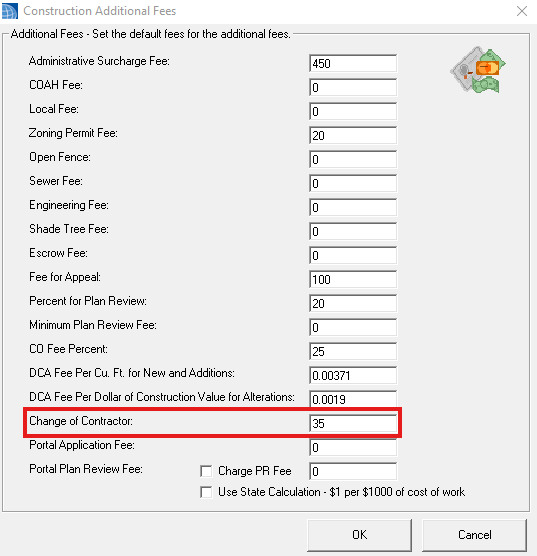
Add the appropriate fee into the "Change of Contractor" field.
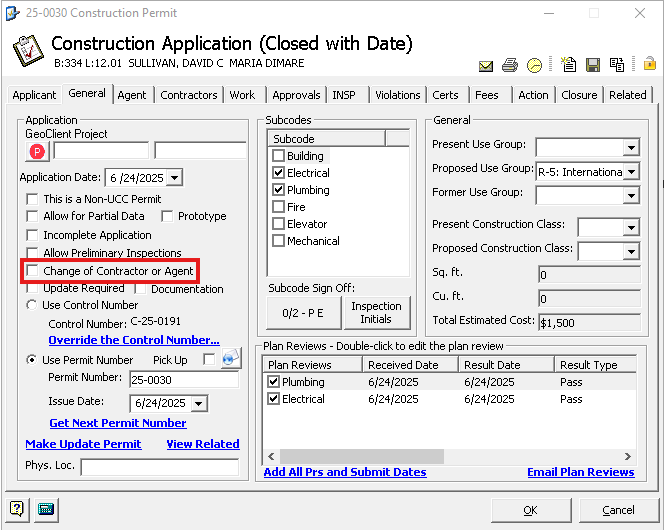
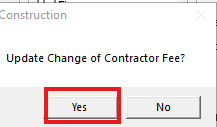
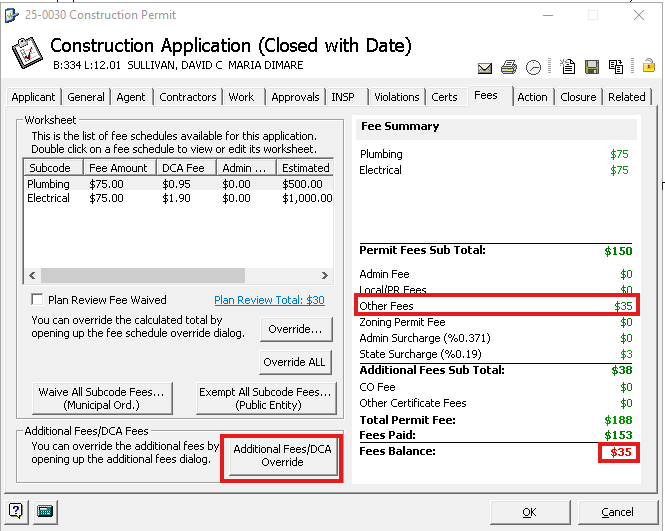
When you select the "Change of Contractor or Agent" check box on the permit "General" tab, you will receive a prompt, and the fee will automatically be added to the permit.