![SDL - 2025 New Logo.png]](https://help.getsdl.com/hs-fs/hubfs/SDL%20-%202025%20New%20Logo.png?height=40&name=SDL%20-%202025%20New%20Logo.png)
Fire Prevention - Violations - Quick Descriptions
Fire Prevention Quick Descriptions (QDs) allow you to create lists of commonly used statutes along with a shortened description of the statute or violation. QDs are organized by groups and default values can be loaded. We recommend each inspector create their own group and add their own list. You can also create QDs of the same statute with differing descriptions to be used based on the violation found.
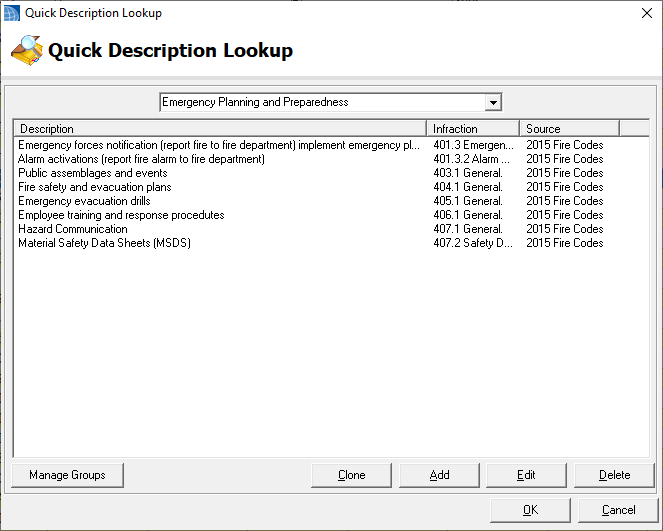
Management
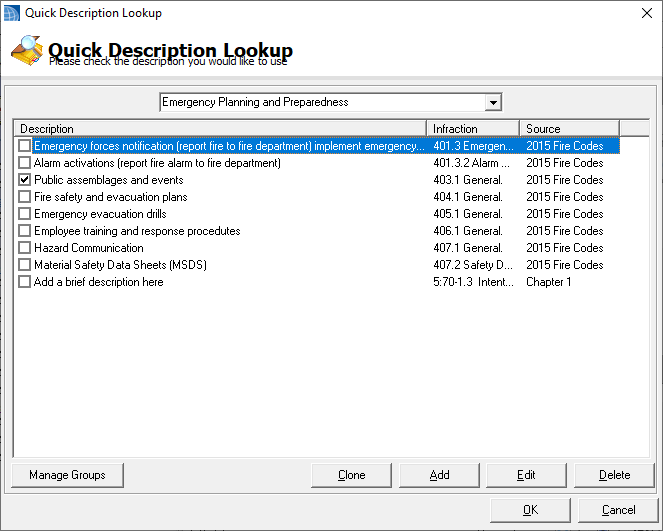
Click on the “Task” button from the menu bar. This will allow you access to the Quick Description Manager. You can also get to this form from Violation or multi violation forms.
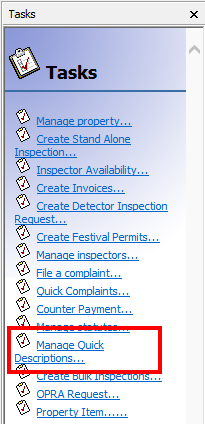
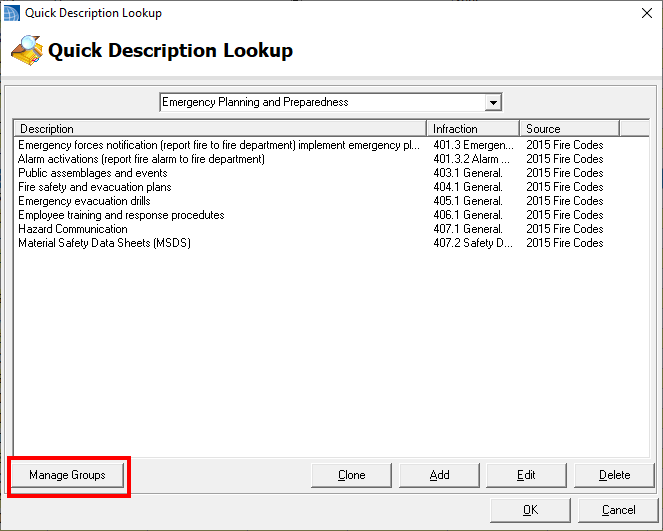
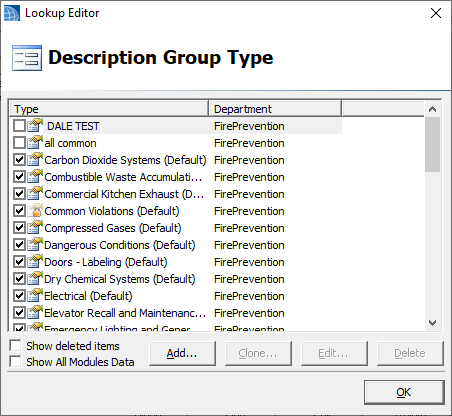
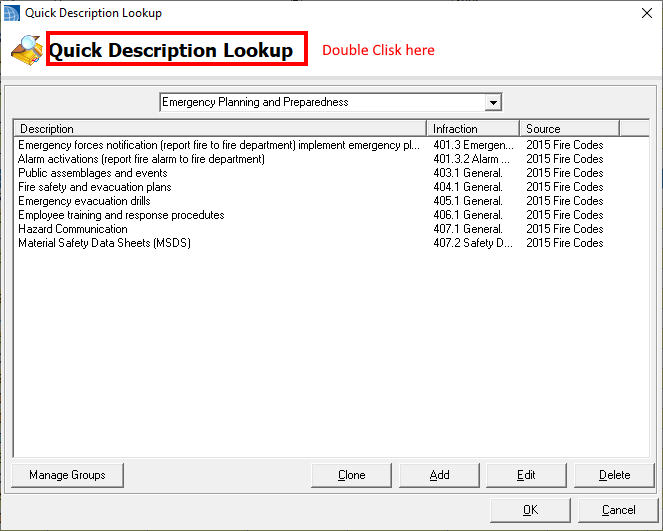
To create new groups click Manage Groups.
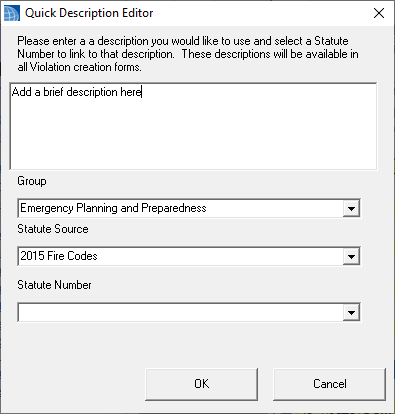
Add creates a new record and Clone will copy your selected existing record. After creating a new record by using Add or Clone, add your description and select the group it should be associated with. Selecting a source will reload the statutes list that is required to be filled in. Using Clone is a great way to copy existing QDs to a new group.
Loading Defaults
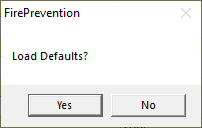
Default can only be loaded after the 2015 Fire Statutes have been imported.
Use
Clicking this button will open the same manager as above, but in this case a check box will allow you to select which QD to return.
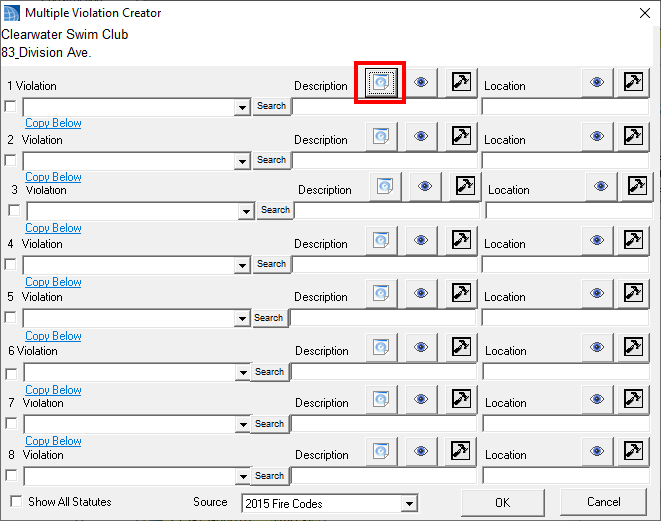
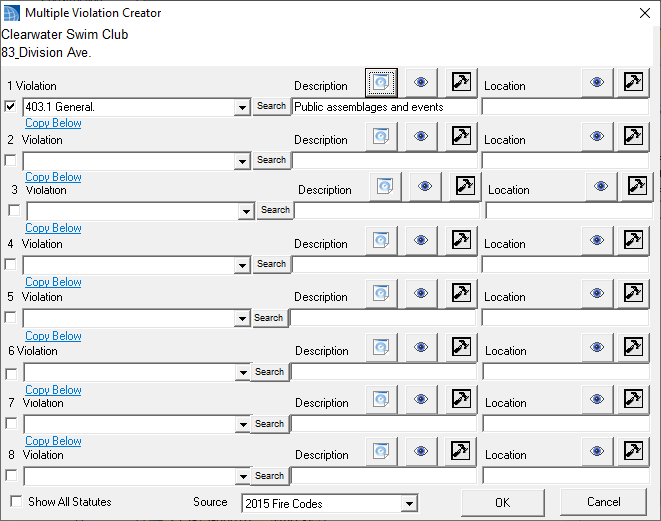
The statue gets chosen and the description is filled in with your brief value. Complete the violation by filling in a location and go to your next violation.