![SDL - 2025 New Logo.png]](https://help.getsdl.com/hs-fs/hubfs/SDL%20-%202025%20New%20Logo.png?height=40&name=SDL%20-%202025%20New%20Logo.png)
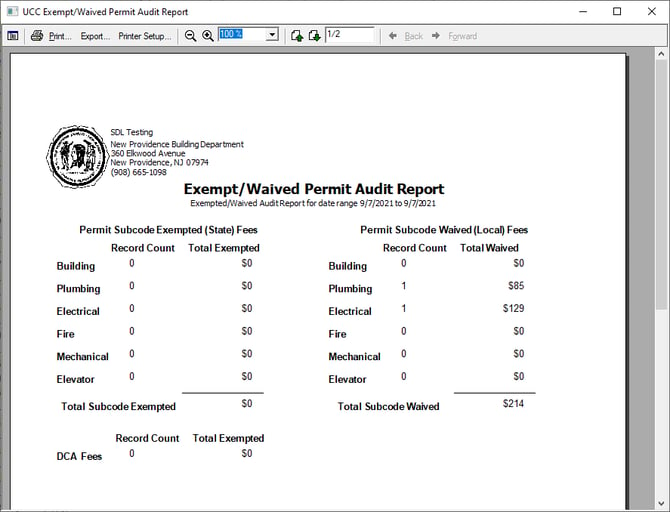
There may be instances where a local fee needs to be waived — for local ordinances, natural disasters, or other special events. SDL Desktop includes a dedicated button to reset local subcode fees, along with a report showing which permits were adjusted and by how much.
Waiving the Fees
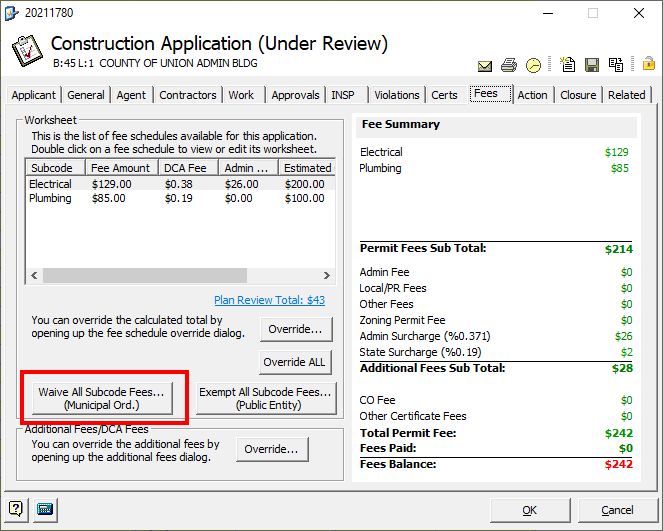
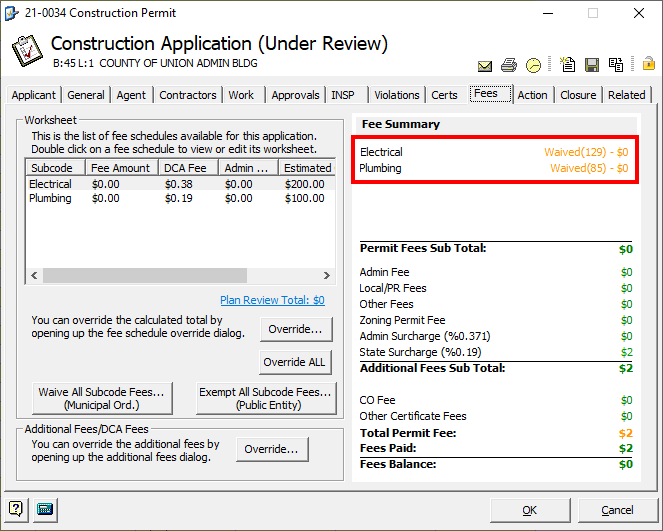
- On the Fees tab of the permit, click the "Waive all Subcode Fees" button
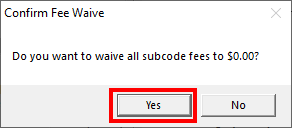
- Click Yes on the first prompt to set the fees to zero
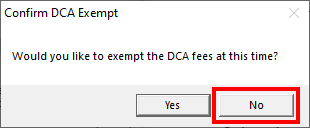
- On the second prompt, click No — this is typically the right choice, since local fee decisions normally don't affect what's owed to the state.
- You'll see the fees zeroed out at the top right of the tab.
Reporting on Waived Fees
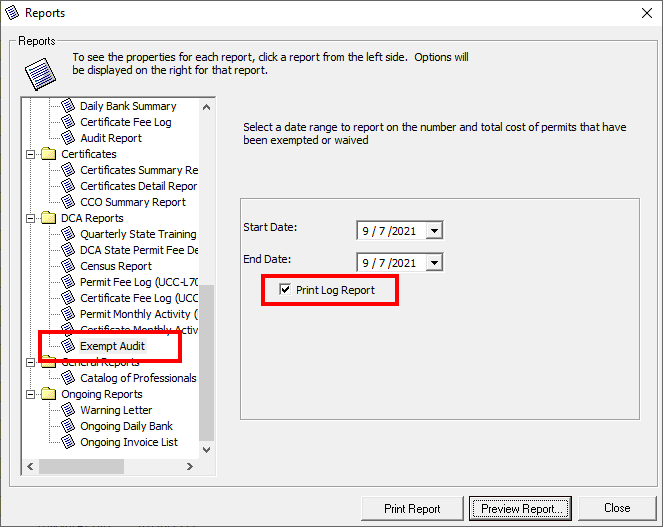
- Go to Construction Report Options and select "Exempt Audit" under DCA Reports.
- Enter the date range you want to report on.
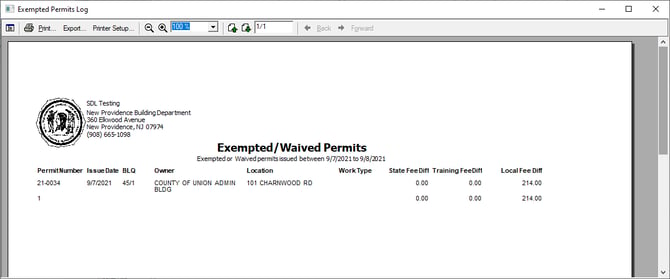
- Check "Print Log Report" if you want a permit-by-permit log rather than just a summary.
Additional Filtering: Override Data Grids
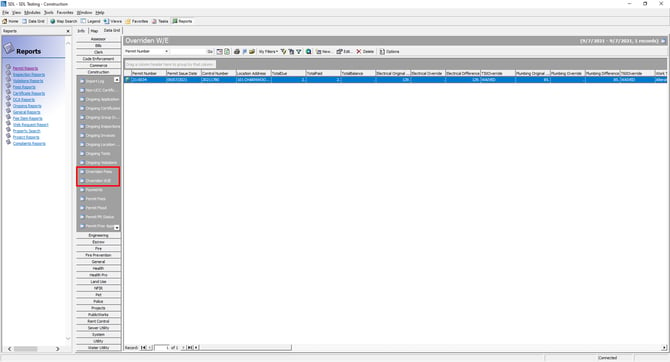
Recent updates added two Overridden data grids, which give you extra reporting and filtering options — for example, seeing which override type was used on a given permit. If you don't see these in your system, contact support to have them added.