![SDL - 2025 New Logo.png]](https://help.getsdl.com/hs-fs/hubfs/SDL%20-%202025%20New%20Logo.png?height=40&name=SDL%20-%202025%20New%20Logo.png)
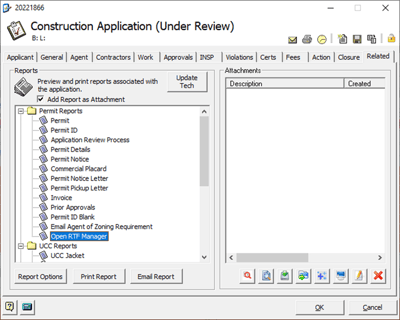
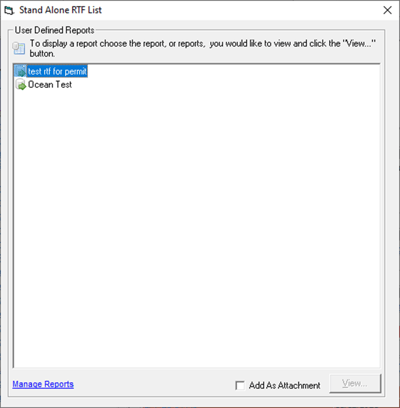
Construction Applications support RTF User Defined Reports — custom letters built from your application's data, using your own wording instead of SDL's default templates.
What this means for you:
- You can create a letter (approval notices, custom correspondence, etc.) that pulls in fields directly from the Application record.
- Once you've added an RTF letter to one Permit Application type, it becomes available to use across other Permit Applications as well — you don't need to recreate it for each one.
How to create one:
The actual process for building and uploading an RTF letter — writing the document in Word, inserting field tags, saving as .RTF, and uploading it through Manage Reports — is covered in SDL Desktop - Reports - User Defined Reports. Follow that guide's steps, using the Construction Application as your form.