![SDL - 2025 New Logo.png]](https://help.getsdl.com/hs-fs/hubfs/SDL%20-%202025%20New%20Logo.png?height=40&name=SDL%20-%202025%20New%20Logo.png)
SDL Desktop's Construction module includes an Alternate Letters option, which lets you modify most values on the Permit Notice Letter, Permit Pick Up Letter, Inspection Letter, and the 3 levels of the Final Inspection Needed letter. Each letter type has its own list of sections that can be modified, generally including: Title, Greetings, Body, Status, Footer, and Closing. This is offered as an optional feature rather than a change to the existing letters — the letters remain substantially the same, just with more parts available to customize.
Settings
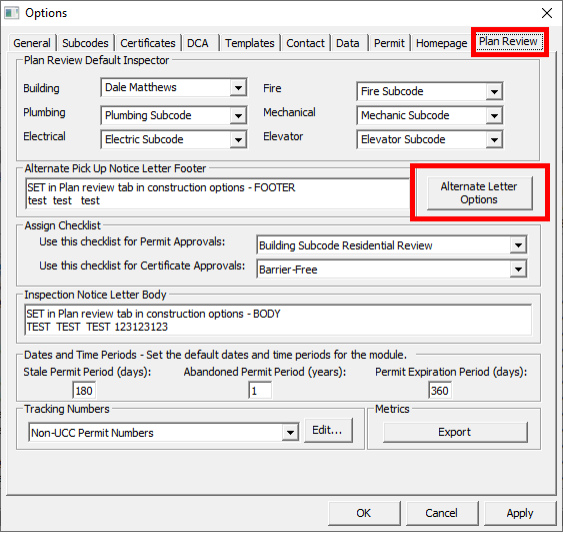
A new button will give you access to the settings
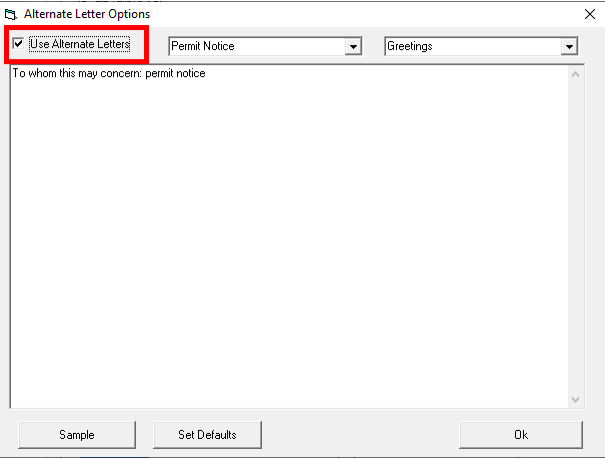
Make sure to check off Use Alternate Letters
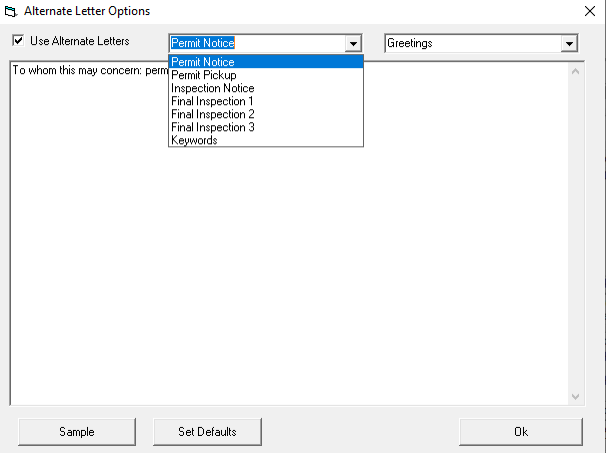
The first drop down is the list of Letters you can Modify.
The second dropdown will be the unique list of items you can modify per Letter type
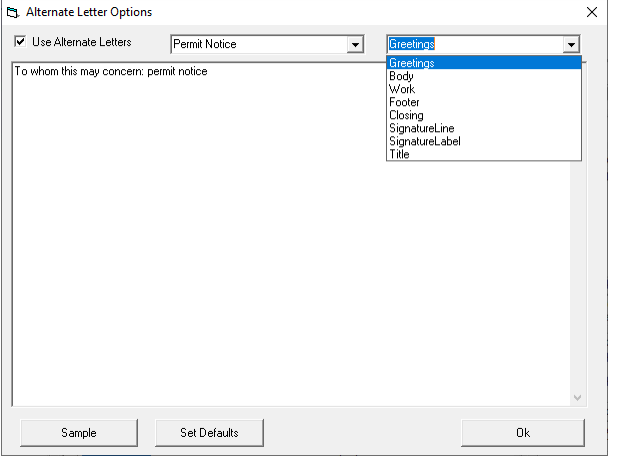
The set defaults button will put reset all the values with the basic Desktop settings. Sample will
allow you to review the letter selected, so you can see how the changes will reflect.
The values for each section can be modified to use information from the permit that will print
out. Select the Keywords option to see available values.
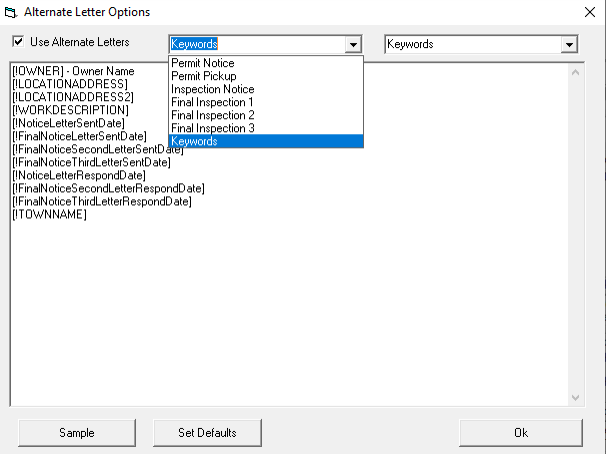
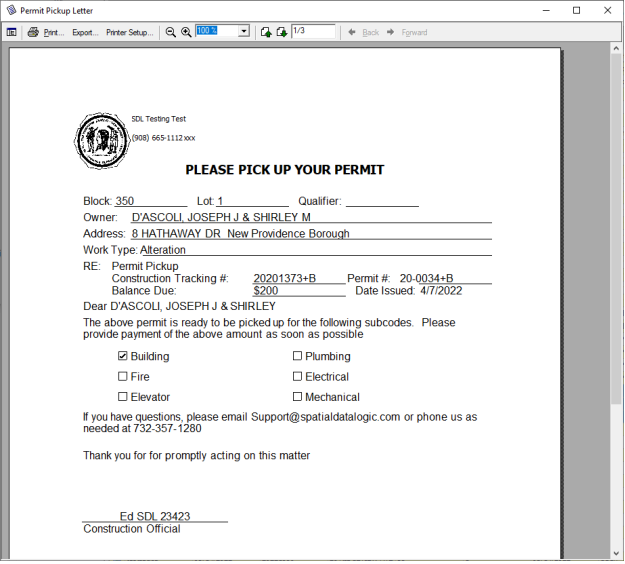
So if you put [!NoticeLetterSentDate] in the text value, when you preview the report the
[!NoticeLetterSentDate] will be replaced with the Notice Letter sent Date on the permit you are
printing from. We will add to this list as users request additional items.
Example
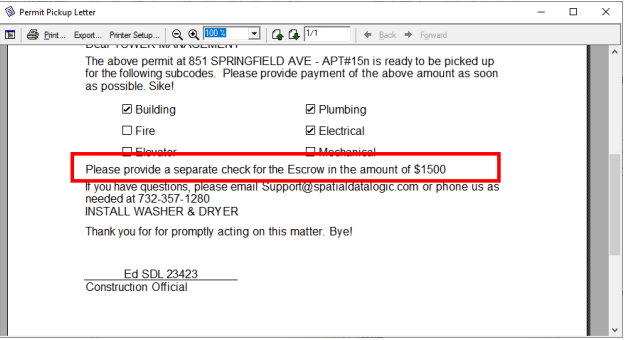
Escrow/COAH
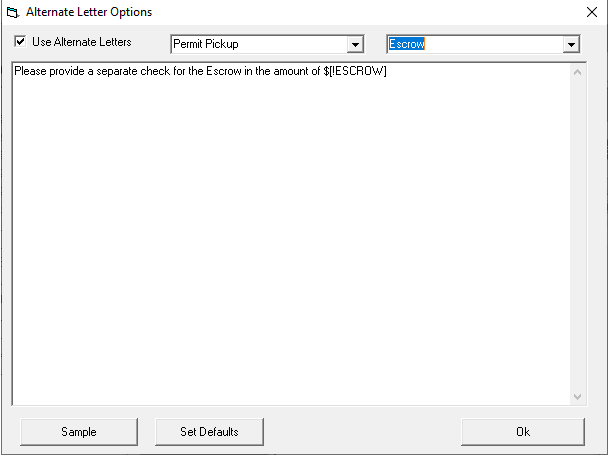
A special Escrow section has also been added for the Permit Pick up letter. The special taga
[!ESCROW] and [!COAH] tag will read the values from the permit allowing you to notify the user
of the need for a separate check
Permit DGC Options
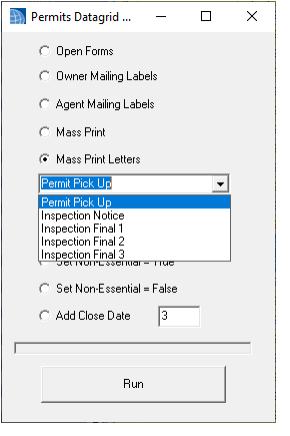
Also note we have added the ability to mass print these letters from the Permits datagrid