![SDL - 2025 New Logo.png]](https://help.getsdl.com/hs-fs/hubfs/SDL%20-%202025%20New%20Logo.png?height=40&name=SDL%20-%202025%20New%20Logo.png)
SDL Desktop supports adding an email address to a Code Enforcement certificate type, so that internal staff are automatically notified whenever a certificate of that type is issued. This is meant for internal municipal notifications — for example, letting the Construction department know that a certificate was issued.
Settings per certificate type
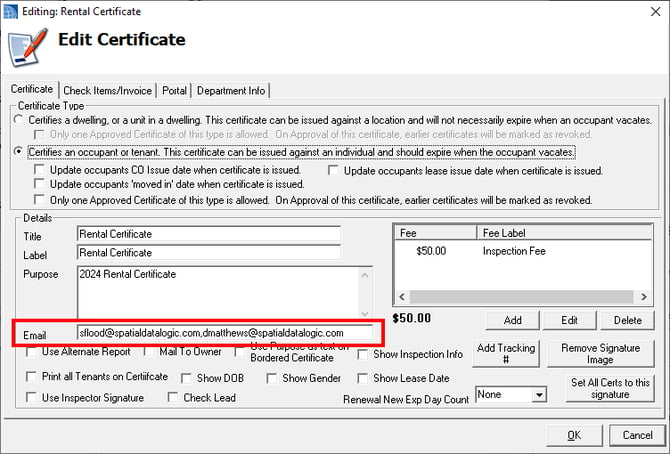
Each certificate type can have its own notification email address configured.
When the email is sent
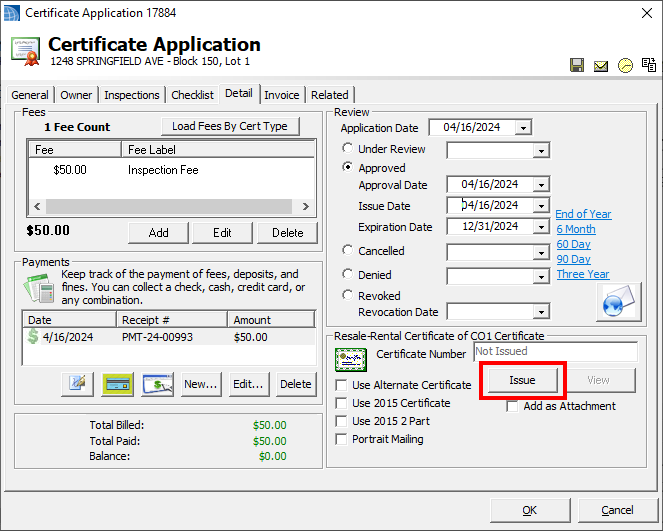
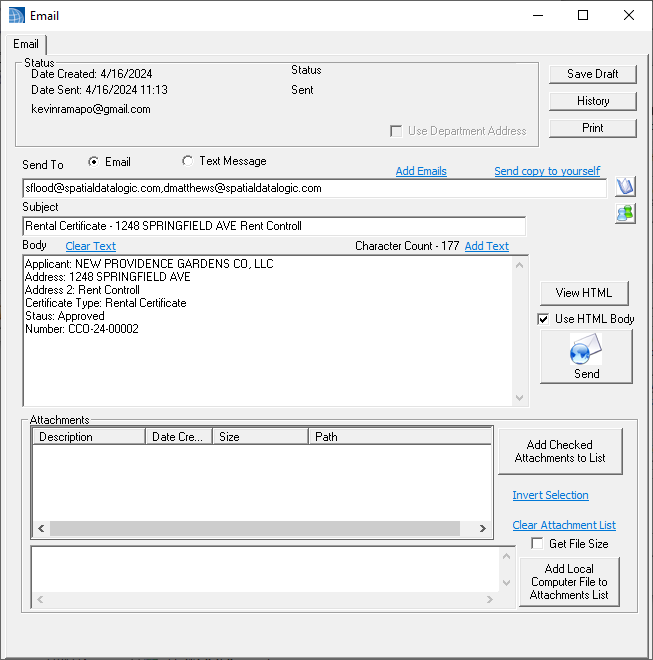
The email is triggered automatically when the Issue button is clicked — there is no prompt or confirmation step. If an email address exists on that certificate type, the notification goes out at that point.
What's included
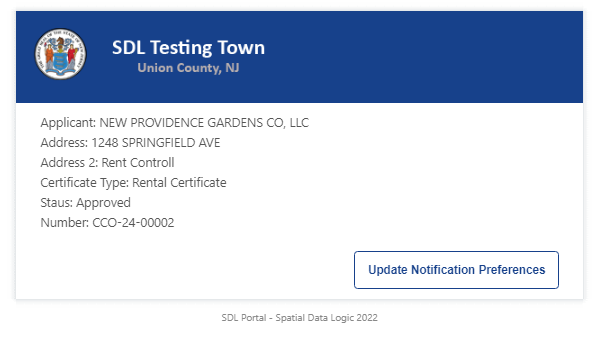
The email contains basic certificate type and location information, and a copy of it is also attached to the certificate record for future reference.
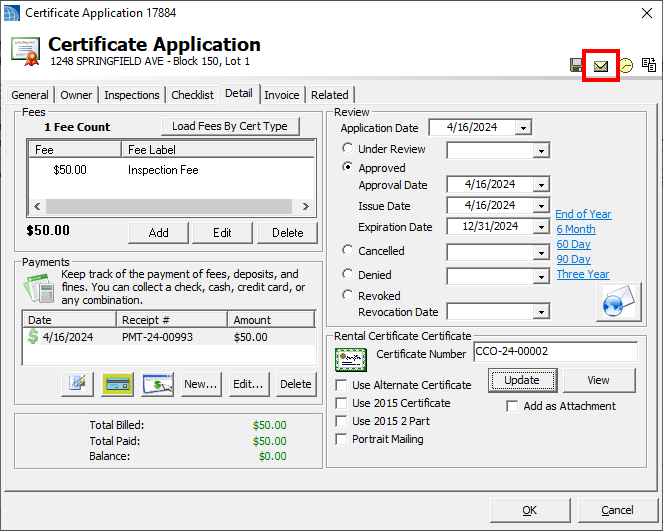
Note: The timing of this notification (on issue click, vs. approval date, vs. report print) may be revisited in the future, but issuing the certificate was chosen as the trigger point for now.