![SDL - 2025 New Logo.png]](https://help.getsdl.com/hs-fs/hubfs/SDL%20-%202025%20New%20Logo.png?height=40&name=SDL%20-%202025%20New%20Logo.png)
SDL Desktop Update: New Features 19.4.7
Additional Address Book
We have added an additional address book to the Email Form. This links to your Professionals list. It will open the normal Professional Dialogue for you to search a name and will add the email, if available, to the Send To text box.

Fee Item Reports
Due to confusion when Multiple Payments were added to an application, we have changed the Fee Amount Column to a Balance column. This cut down on confusion and still helps users track down unassigned monies or missing payments.

Export Payments
We have added a one button export of Payment and Fee Items for export to a CSV. This can then be used for third party financial imports or separate analysis.
Datagrid Filter Color
Please be aware when adding any filter on the datagrid, the DGC header will now be blue. This should help with confusion of reviewing data on the datagrid. You will still need to click the filter button to undo a filter.

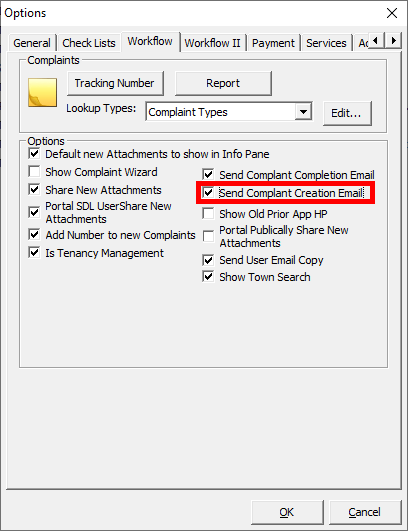
Complaint Creation Email
Added option to send a creation email for complaints. Some towns expressed a need to not send these email. Emails are still based on user assigned and emails associated with the chosen complaint type. You can still manually send an email from the main form next to the assigned user drop down.
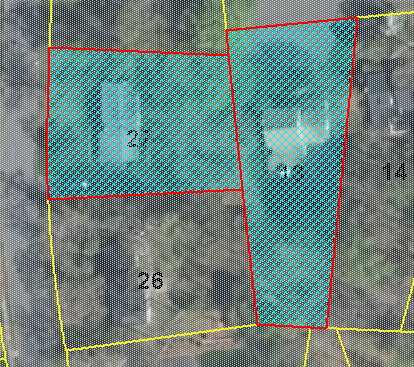
Map Cross Hatch
We have added a permission to use a cross hatch on map selections. This should help with visually seeing selected items.
Public Works
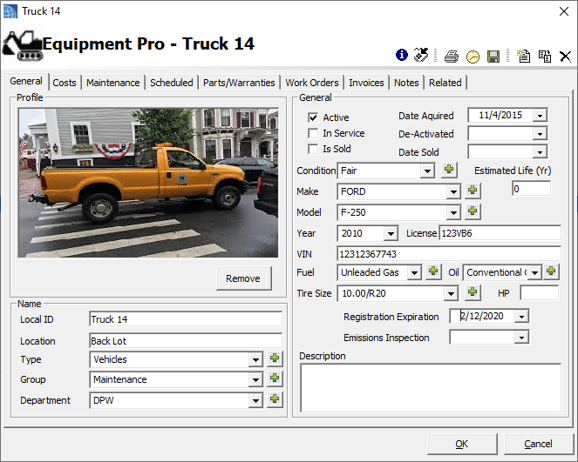
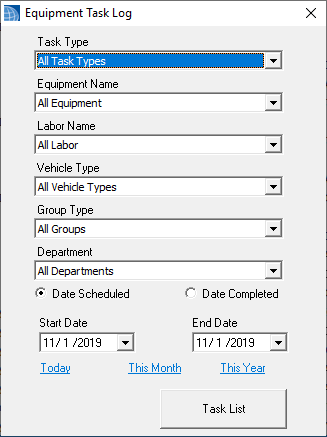

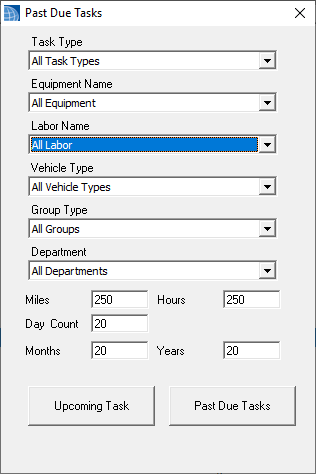

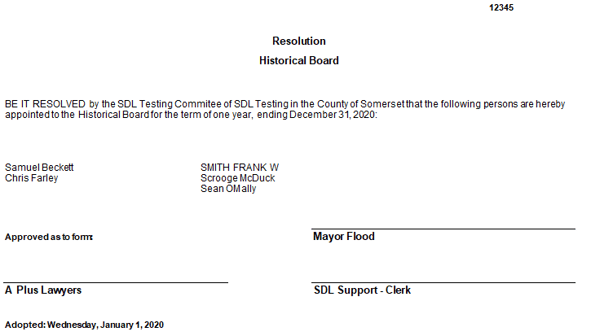
- Added 5 Year Internal date to Sprinklers in Structure
- Added Duct Detector and test date to Structures
- Added GPM, Last Test, last Inspection fields to Water Supply in Structures
- Added button to delete an invoice - note a new permission will be required
- Added From Email Address option for Inspection emails
- Added Portal Renewal to Invoice and Invoice DGC options, so you can now email invoices and accept payments online
- Added Emergency Contact email to Email Address book
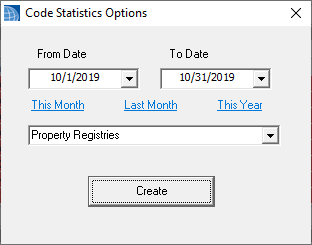
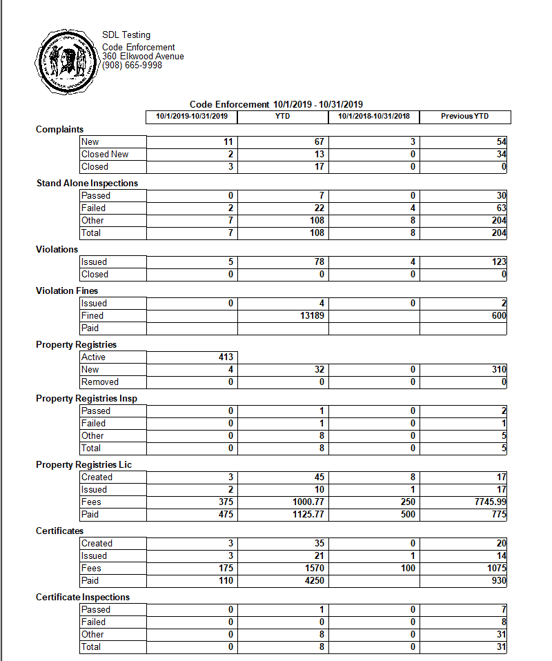
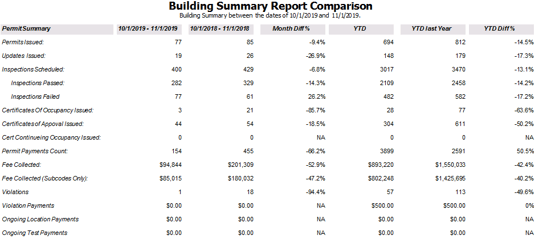
Under the Ongoing section of the Reports options we have added an Ongoing Invoice List. This will allow you to to review Invoices for a selected time frame and their total due and balance. This is only for Ongoing Location Invoices that is the recommended place.
