![SDL - 2025 New Logo.png]](https://help.getsdl.com/hs-fs/hubfs/SDL%20-%202025%20New%20Logo.png?height=40&name=SDL%20-%202025%20New%20Logo.png)
There are a couple of ways to request payment from applicant.
1. If you have an online payment vendor set up in Connect, go to the Fees tab, then select Payment Request:
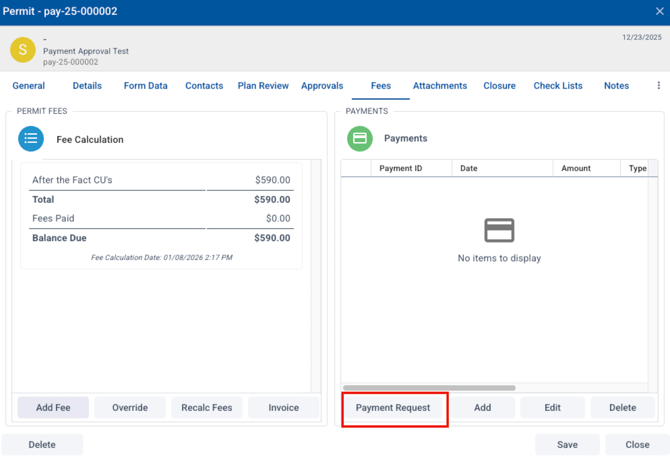
This will open an email dialog.
- Add any text that you need to in notes.
- Select or deselect the fees you are invoicing.
- If desired, select the box to "change status to payment" after the email is sent.
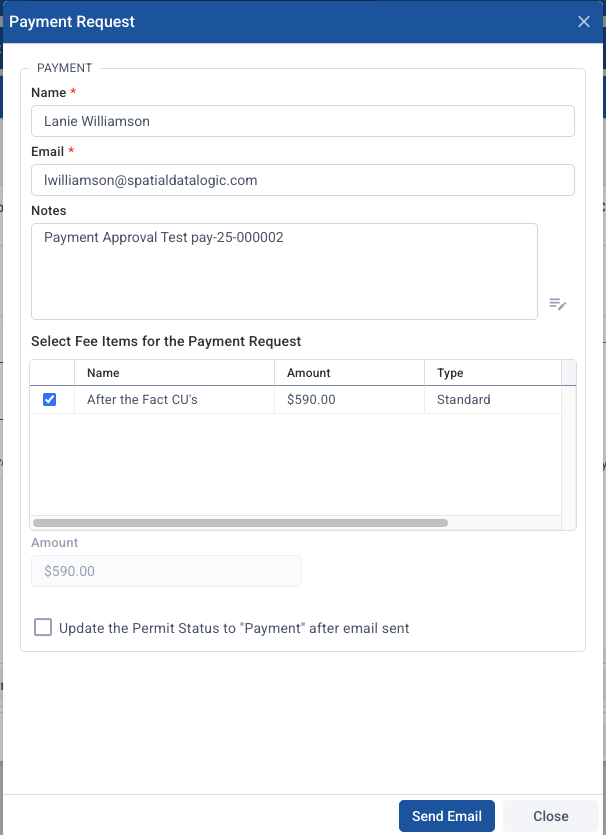
This will send an email to the applicant with a link to the online payment vendor.
2. To send an invoice without an online payment vendor set up, in the fees tab choose the "invoice" option.
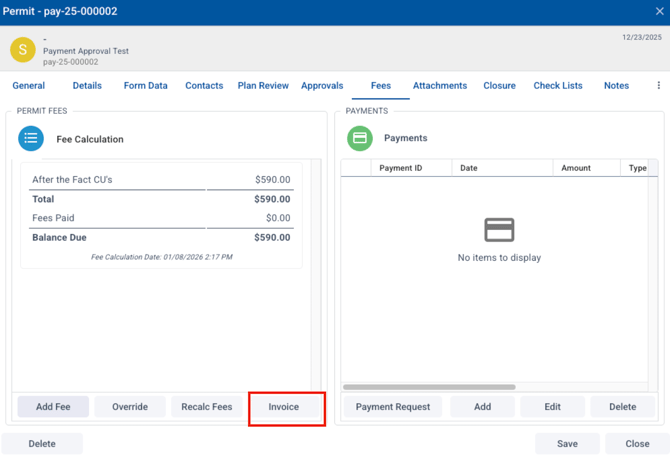
This will create an invoice PDF you can print or save and email to someone.