This could be due to a few things. Try these troubleshooting steps until you see the submission in question. If none of these work, reach out to us at support@getsdl.com.
-
- Verify the right departments on the top right dropdown are checked.
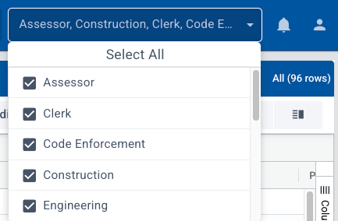
- Verify the right departments on the top right dropdown are checked.
-
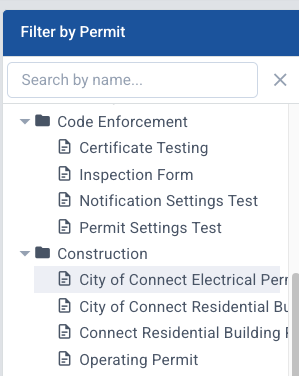
- Verify that you are on the correct form or permit data grid.
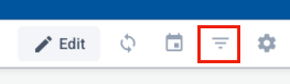
- Clear any filters by choosing the filter icon, then checking the dates, status, etc. and choosing "reset all" or "reset filter."
- Verify that you are on the correct form or permit data grid.
-
- Refresh the page.
- Refresh the page.