In this guide, we'll go over how to create a new application with your municipality. You will want to make sure you already have an account with your town, so be sure to see these instructions first if you don't have an account yet.
Find the Application
From within your town's portal, click on the Requests link in the top menu: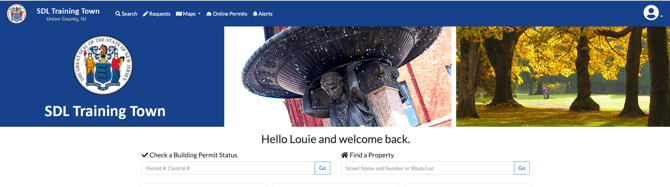
In the list of available applications, find the one that you are looking for. By default, they will be grouped by department:
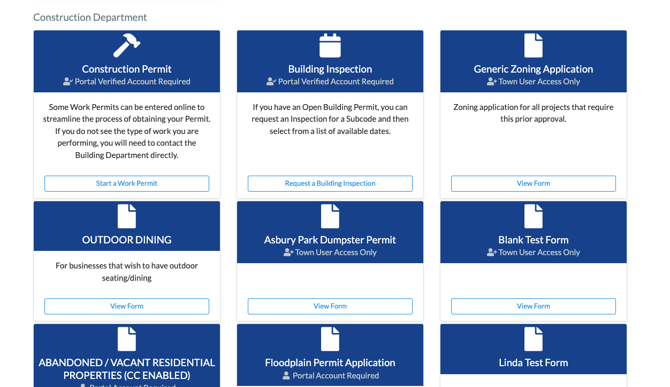
Click the "Start" or "View" button to open up the application.
Filling out the Form
Once you have found the right form, begin filling it out and submit when completed. This will create an application in your town's tracking system.