In Connect, there are a couple of qr code options in the settings. These can be used to help applicants quickly get to the application without typing in the url.
First, open the Form Designer and go to Settings. Then choose the Integration tab.
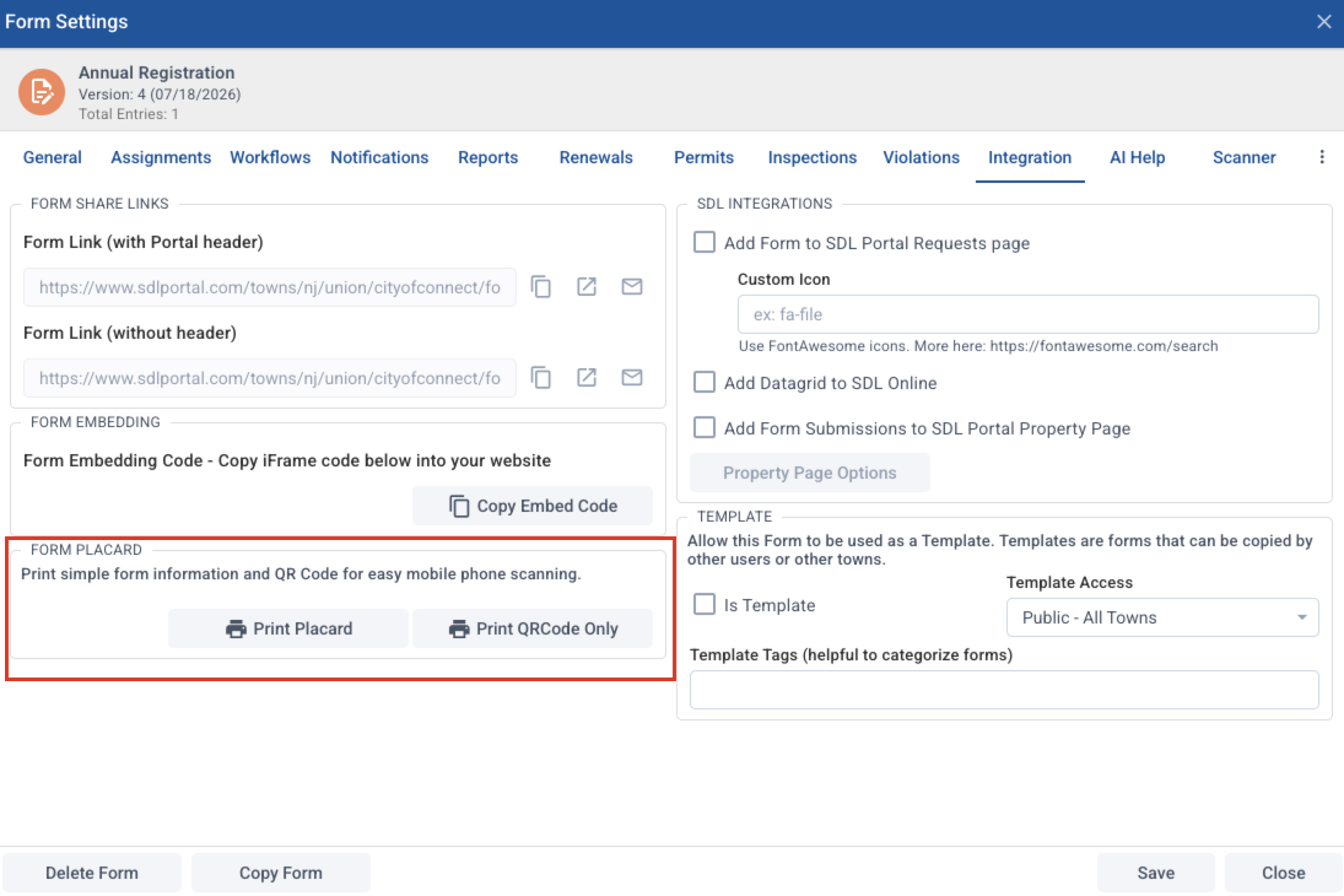
Under "Form Placard," you have two options.
Print Placard will generate a letter-size document ready to post with the QR code and the application title. Example:
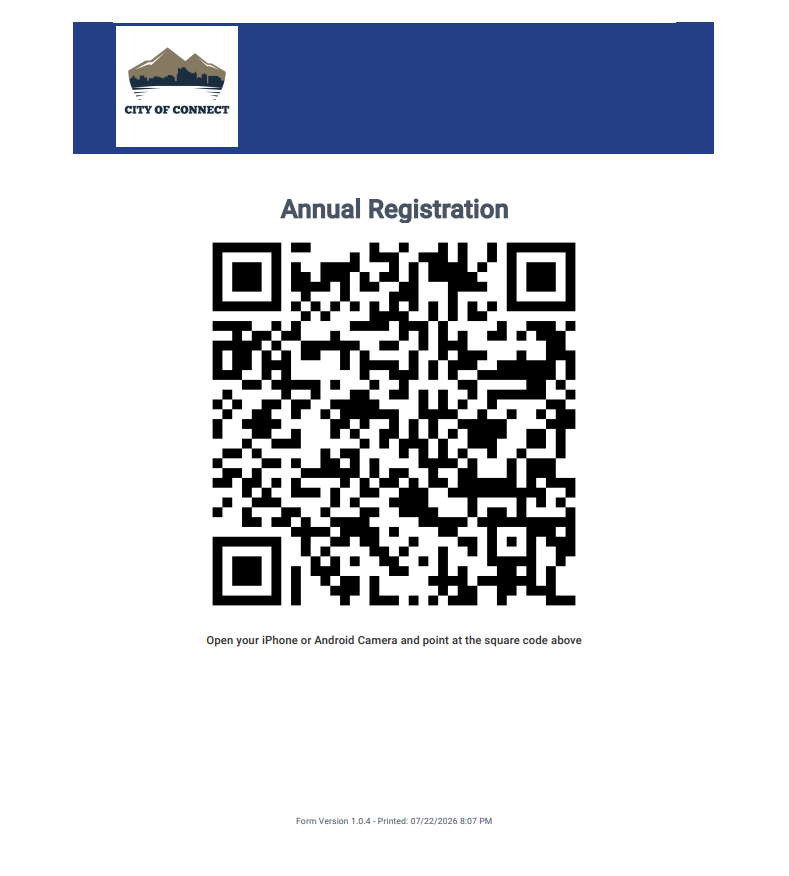
The option to "Print QRCode Only" will generate an image of the qr code as an image file. This is helpful if you want to include it in a letter or card mail-out.