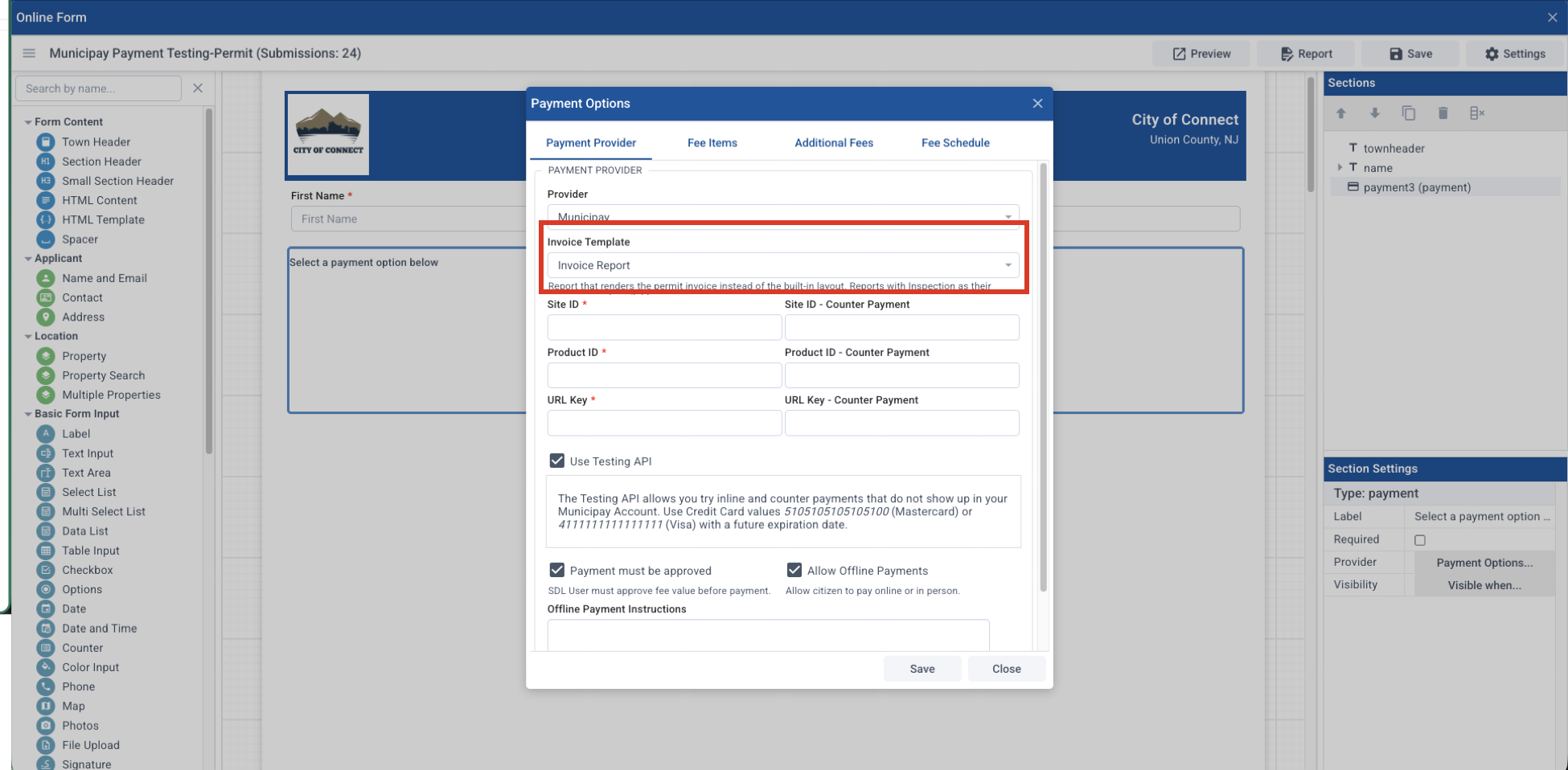
In Connect, you can create a custom invoice in Form Designer / Settings / Reports. Once it is created there in the Reports section, then in the payment block, go to the Section Settings / Payment Options and select the report you want to use in the Invoice Template dropdown:
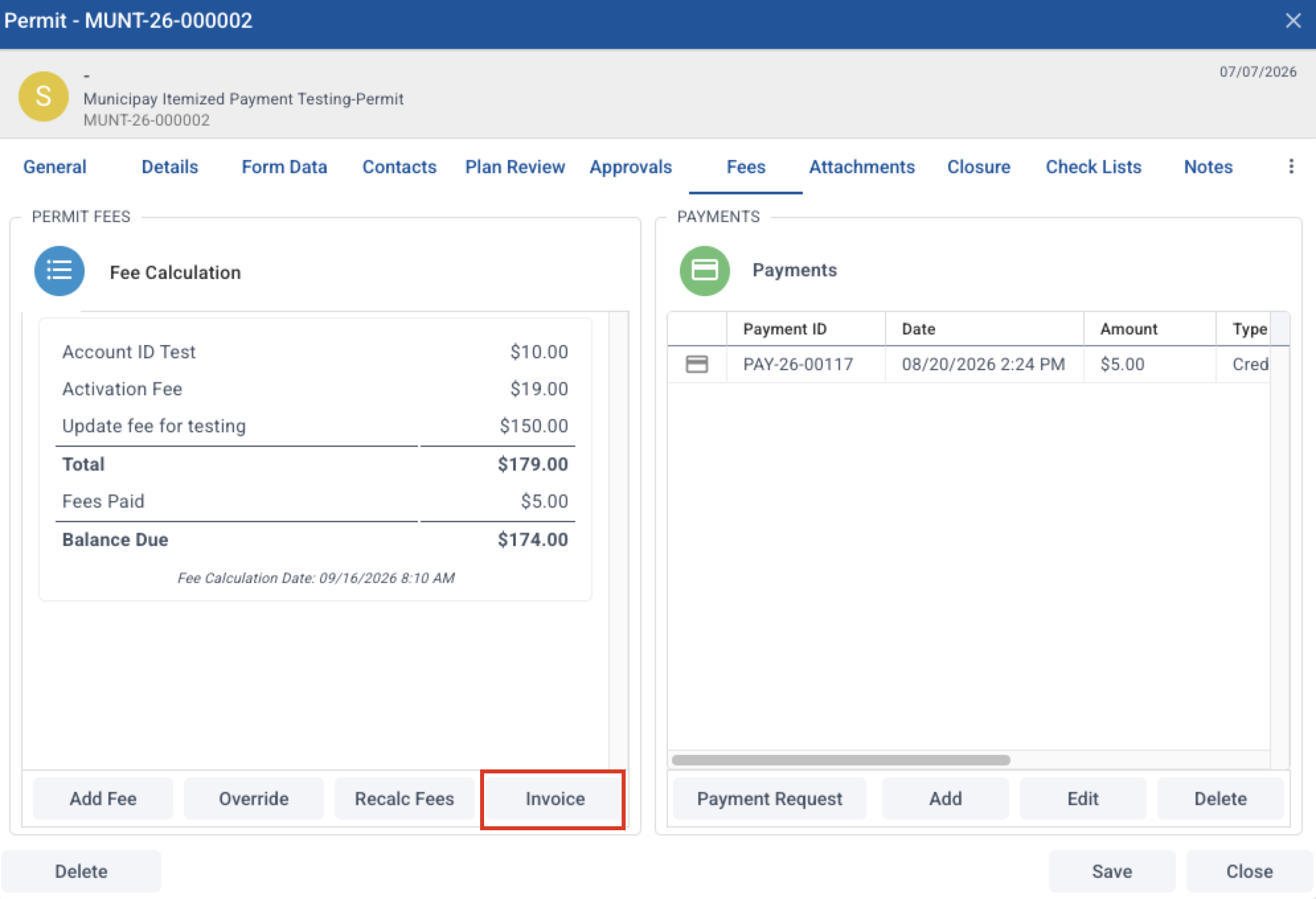
This is the invoice that will generate when you select Invoice on the Fees tab in permit records: