You can add a contact to the Connect professionals database in one of two ways.
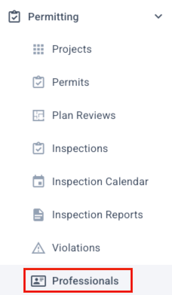
First you can manually enter them by going to the professionals tab on the leftside menu:
Then click on New:

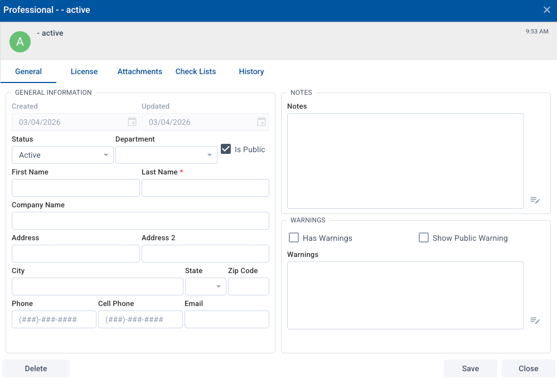
Fill in the modal window that comes up, then click save.
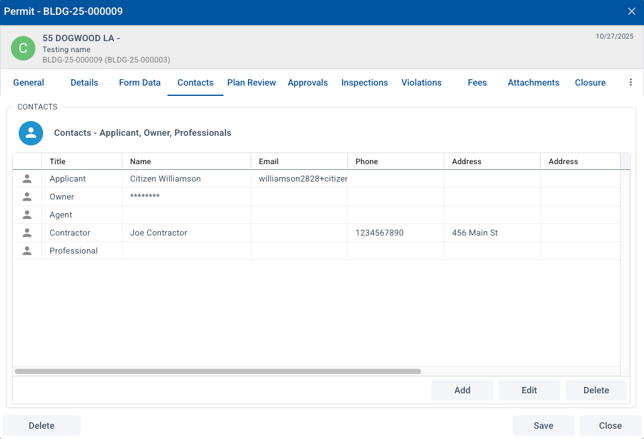
The second way is to save a professional from a submitted application. From the submission, open the Contacts tab, then double click the professional you want to add.
This will open a professionals record with the submitted information. You can add to or edit what is there, then save.
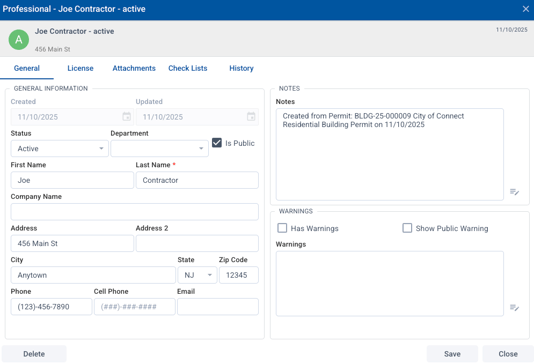
That contact will now be searchable in the professionals database.