Initial Log in to SDL Connect
Sign In
In your browser, go to https://www.sdlportal.com/.
Click on Sign In.
Your username is your first initial + last name (example: lwilliamson).
Your password will be given to you by SDL.
Note that you must select the option to “sign in with a municipal employee account” (see screenshot) to be able to choose your municipality or site. Once that is checked, a third box will appear allowing you to search for and select your group.
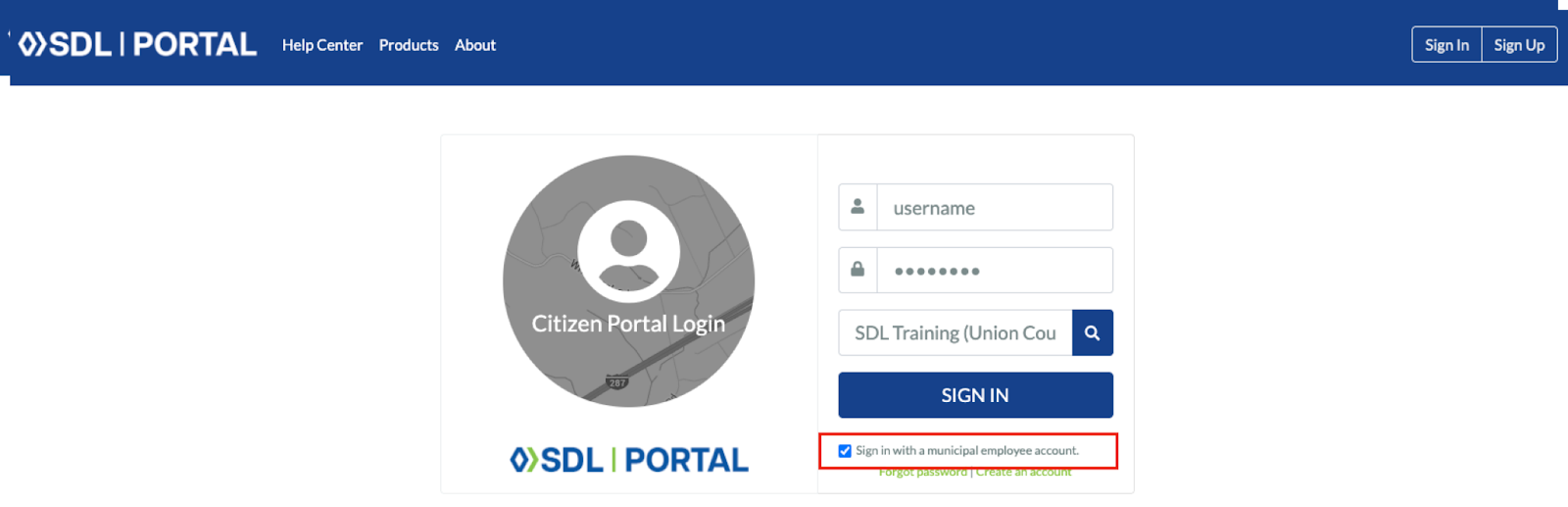
When all three boxes are completed, choose Sign In.
Change Your Password
Once you have been able to sign in, to change your password, click on your avatar in the top right and choose “My Account.”
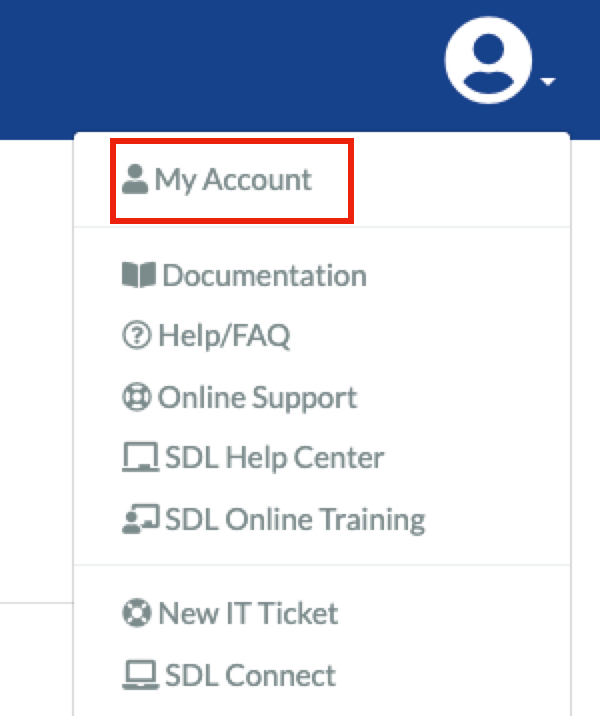
Then choose “password” and follow the instructions to reset your password.
Open Connect
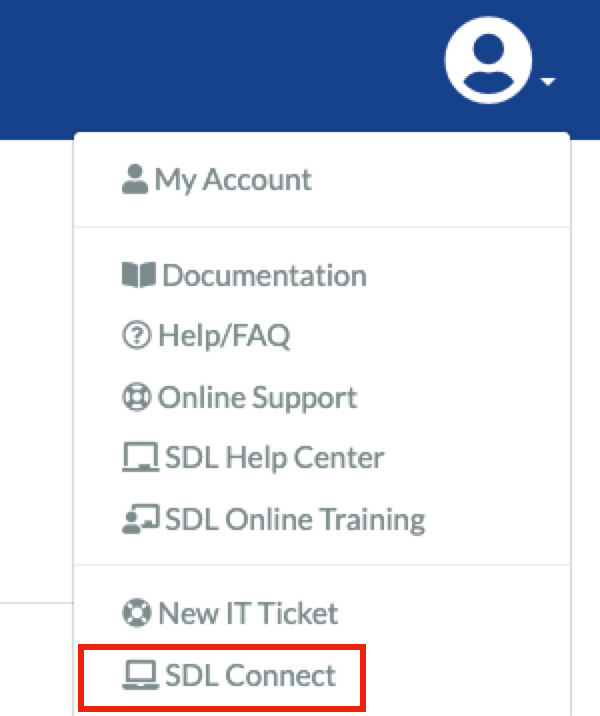
You are now ready to go to SDL Connect. In the top right corner, choose the avatar then go to SDL Connect.