Staff notifications in Connect can be set up in a few places.
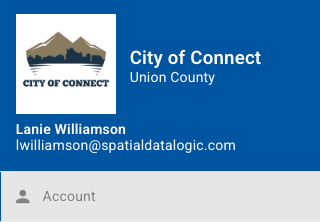
In general, to receive email notifications, Connect users need to enable Portal Request notifications in their account by choosing the avatar in the top right of the screen, then choosing account:
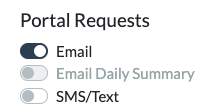
Choose Notifications on the next page, then verify that emails are on for Portal Requests:
1. Assigned User
The Assigned User is set up in the Form Designer in Settings / Assignments: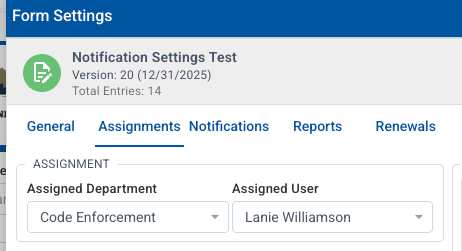
This is optional. The Assigned User will get an email notification when a new submission of this form/permit comes in.
2. Form Approvals
Anyone listed as a Form Approval will also be notified by email when a new submission is created. This is set up in the Form Designer under the Assignments tab: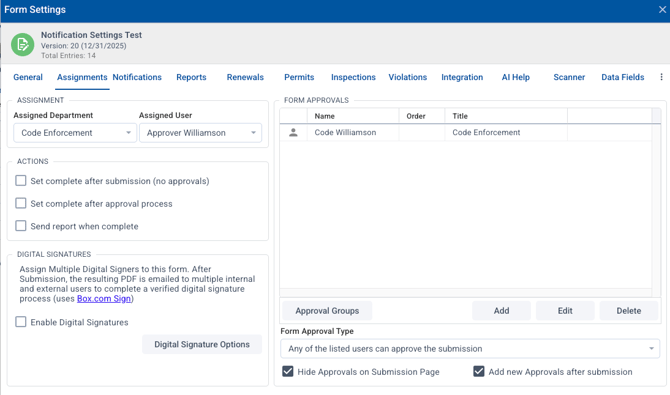
3. Another option for notification when a permit/form is submitted is using the external email notification. This is set up in the Form Designer in the Notification tab. Under "Add External Emails" you can add as many as needed. They will receive an email when a new permit/form is submitted. 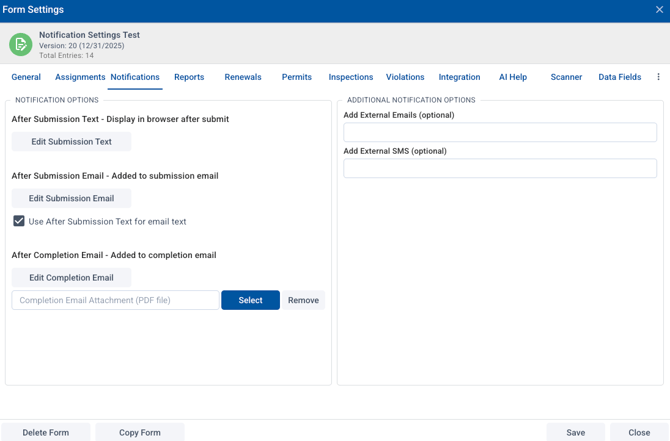
Finally, there is an option to set up a workflow for some actions to send a notification. Reach out to our technical support if you are interested in this.